 Illustrative example
Put a personal spin on a reaction
A face swap GIF can bring a new identity to a smile, a glance or a small celebration. Start with a short loop where the face stays visible through the movement.
Upload a GIF and reference face. Keep the motion, create a new look.
Automatically replaces the largest detected face.
5 credits per billed second · minimum 15 credits.
Your price appears automatically after both uploads.
Failed generations cost no credits.
Illustrative preview


 Reference face
A little loop. A new expression.
GIF Face Swap pairs a short animation with a reference portrait to give a familiar reaction a new face. Try an AI GIF face swap for a playful reply, a creative character or a loop you want to personalise.
Use GIF face swap online with one animation and one clear adult portrait. Preview a complete cycle, then save the result as a GIF ready for your next conversation.
GIF Face Swap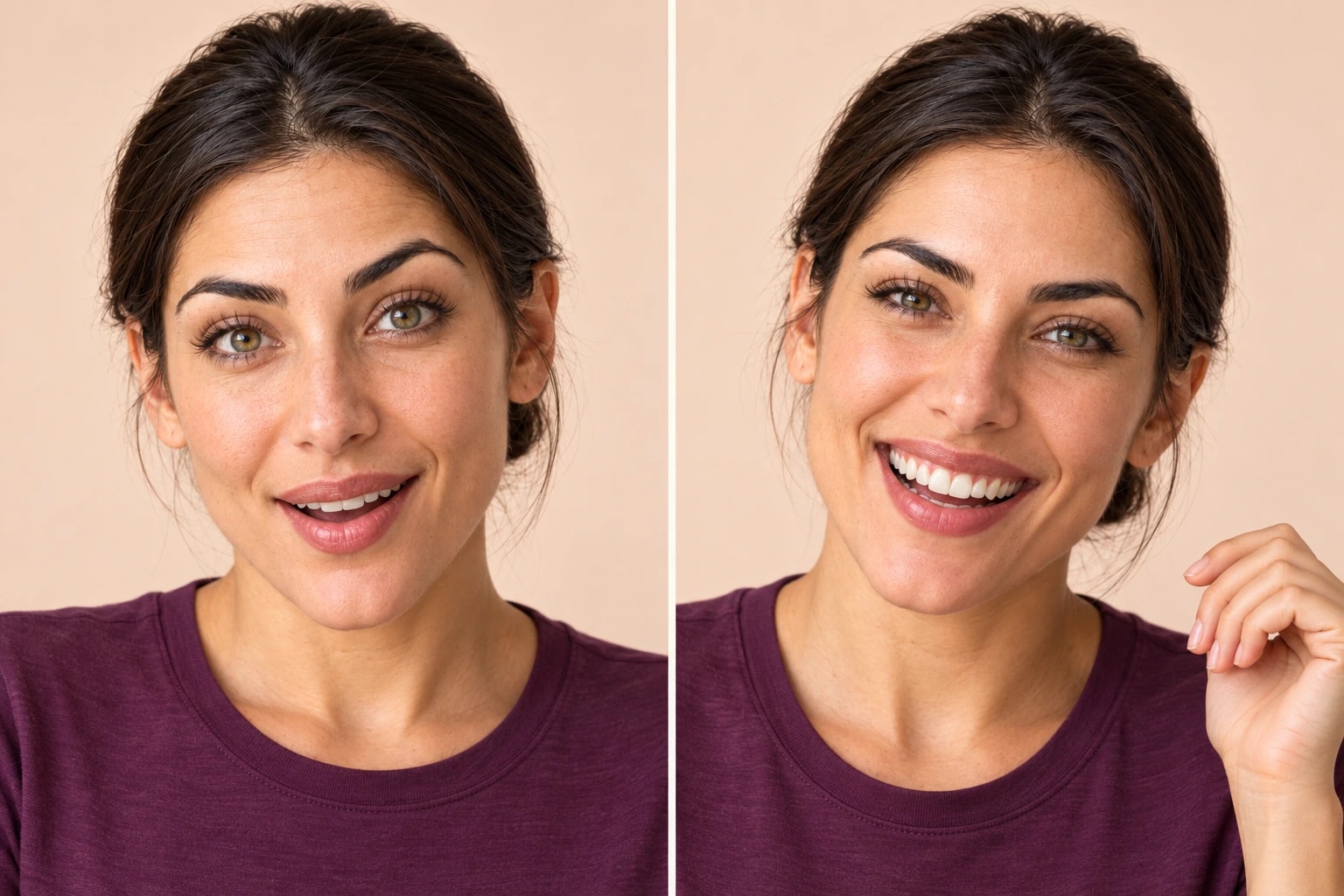
 Reference portrait
Made for your ideas
Illustrative exampleA face swap GIF can bring a new identity to a smile, a glance or a small celebration. Start with a short loop where the face stays visible through the movement.
 Illustrative example
Use AI GIF face swap to explore a character for a moodboard or a casual creative project. Keep the expression simple so you can spot mismatches at the start and end of the loop.
From upload to download
Face swap GIF online, then download an animation rather than a still image.
Start your GIF face swap online with an animated GIF up to 10 seconds per cycle and 20 MiB. Choose a loop with a clear face and limited camera movement.
Upload one adult reference portrait for your AI GIF face swap. A similar angle and soft light help the face fit the original animation.
Play the full face swap GIF, paying attention to the first and last frames. Once you have checked the expression and edges, download your GIF.
A better starting point
Before you face swap GIF online, choose a reference that suits the movement. A steady, front-facing loop is a useful first test; fast turns and blocked faces are less predictable.
Choose a sharp adult portrait with visible eyes and a clear jawline. Skip sunglasses, heavy filters and hands over the face.
A similar head angle gives the model a better starting point. Strong profiles and extreme tilts are harder to match.
Use a well-lit face with natural skin detail. Deep shadows and motion blur can make the result less consistent.
Clear before you create
GIF face swap is billed for one cycle of the uploaded animation, at 5 credits per rounded-up second with a 3-second minimum. Repeated playback does not add credits.
Credits are reserved on submission and charged after a usable result is saved. Technical failures release the reservation; visual quality concerns can be reported to support.
Your uploads and results are stored privately for 7 days and can be deleted earlier. WaveSpeed processes the files to create your result; its retention rules also apply.
How we handle your filesA few things worth knowing
A few practical answers about GIF face swap, loop duration and downloading your animation.
Upload an animated original and a separate reference portrait, then check the quote before creating. Use adult portraits and animations you have permission to edit. Preview the whole result before sharing it.
The original must be an animated GIF: up to 10 seconds per cycle, 20 MiB, a 1920-pixel long edge and an average of 30 fps. The reference can be JPG, PNG or WebP up to 15 MiB.
No. Billing uses one cycle, rounded up to whole seconds with a 3-second minimum. At 5 credits per second, a 2-second loop costs 15 credits and a 6-second loop costs 30.
This page offers GIF downloads only. If your original is an MP4 and you want a video result, use the video tool instead. GIFs have no audio track.
Not necessarily. GIF conversion can change the dimensions, frame timing and colour palette. Preview the full animation and check the downloaded file, especially around hair, skin tones and fast movement.
Each GIF face swap automatically replaces the largest detected face with one reference identity. Manual person selection and separate replacements for multiple people are unavailable. Use a single-person loop for more consistent targeting. There is no Pro tier for GIFs.
Technical failures release reserved credits. Successful results are stored privately for 7 days, with earlier deletion available. Visual quality issues are not automatically refunded; contact support if you need help.
Choose a short animation and a clear portrait. Give your next reaction a personal touch.