
01Single item
Test one replacement at a time
Compare one shirt, blouse, overshirt, or jacket without rebuilding the rest of the image. A clearly separated item gives the swap a stronger visual reference.
Private AI fitting room
Swap clothes in a photo, not your identity.
AI Clothes Swap starts with your photo and the clothing you want to test, then creates one focused result instead of a noisy image editor.
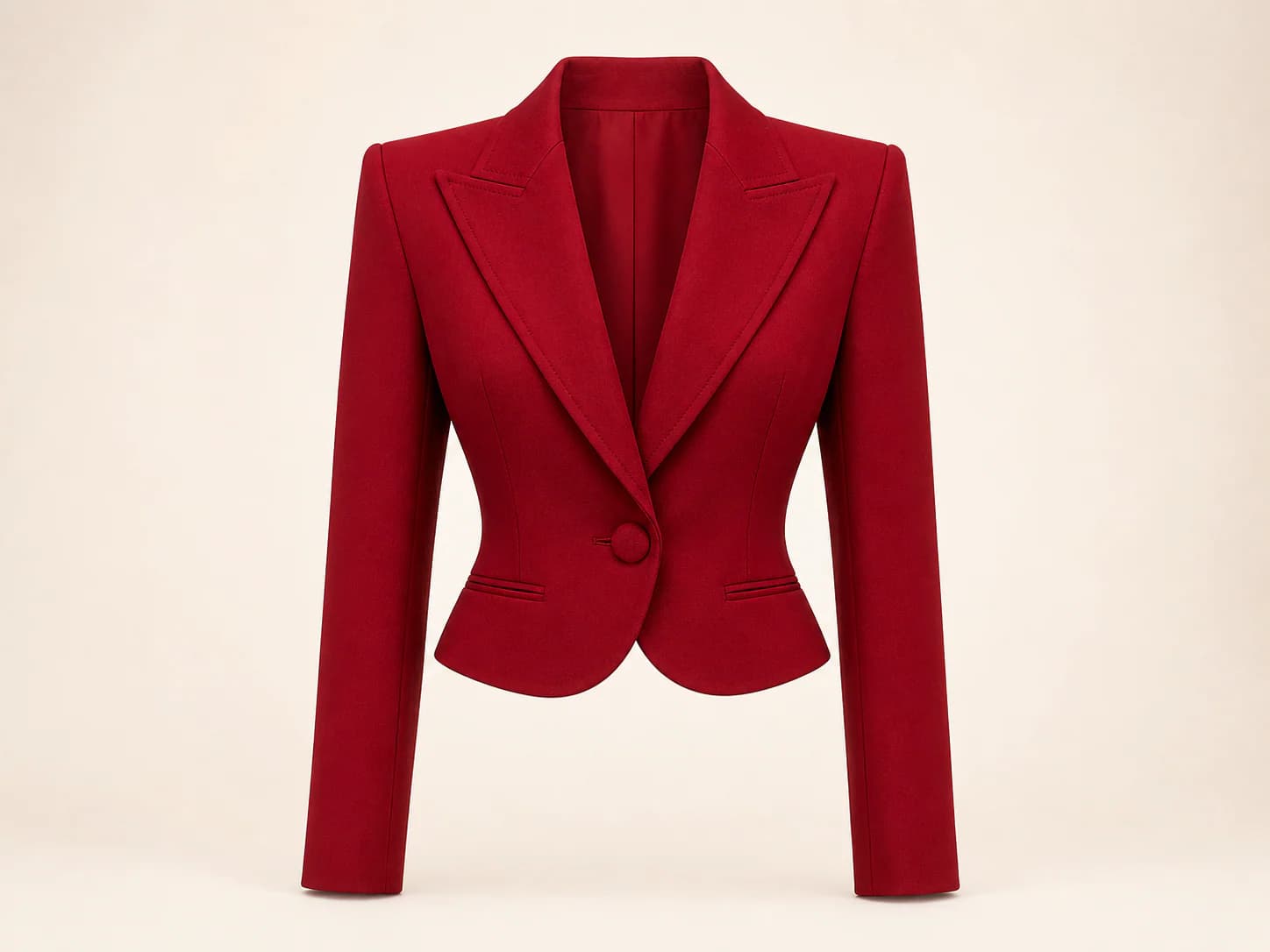
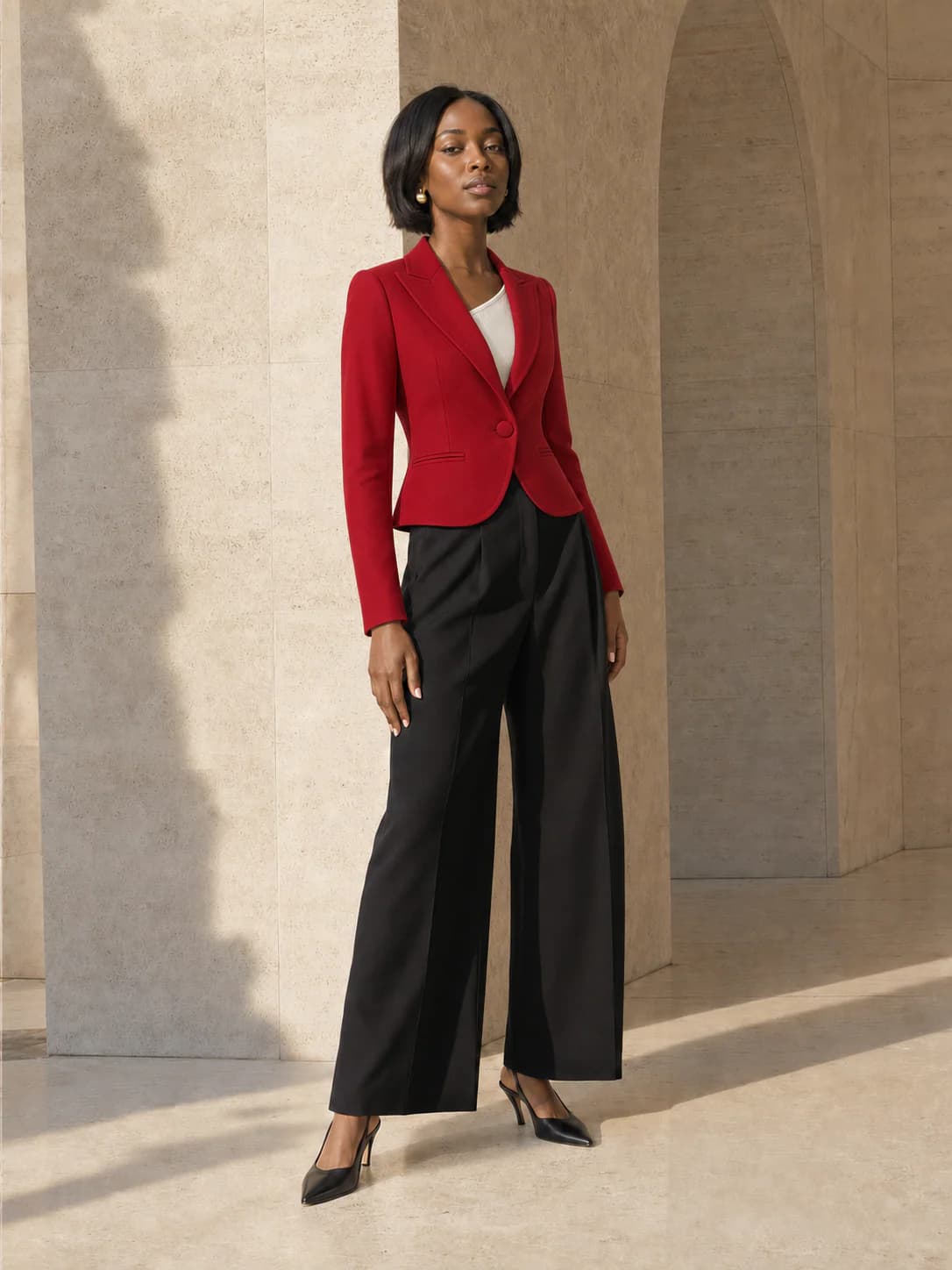
Full body or waist-up works best.
JPG · PNG · WEBP · HEIC · MAX 15MB
Product photo, flat lay, or shopping screenshot.
JPG · PNG · WEBP · HEIC · MAX 15MB
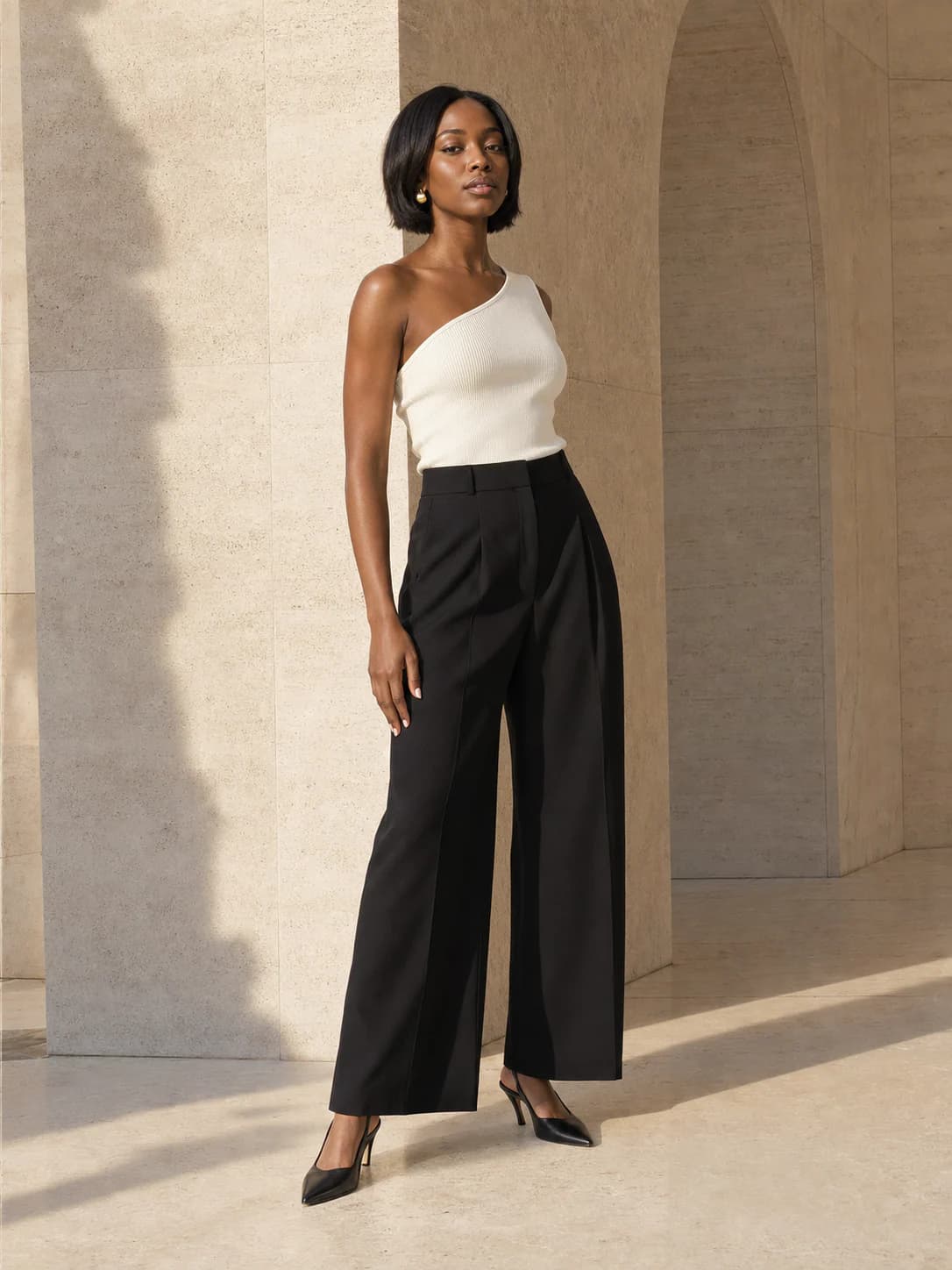
Your try-on will appear here
Add your photo and a garment to create a private result. Usually ready in about a minute.
Choose the photo you want to keep
Use one person in a clear, front-facing or lightly angled photo.
Upload the clothing to swap in
Crop around the item so its color, neckline, sleeves, and shape are easy to read.
Review your AI Clothes Swap result
Check the new garment while also inspecting the face, hands, edges, and background.
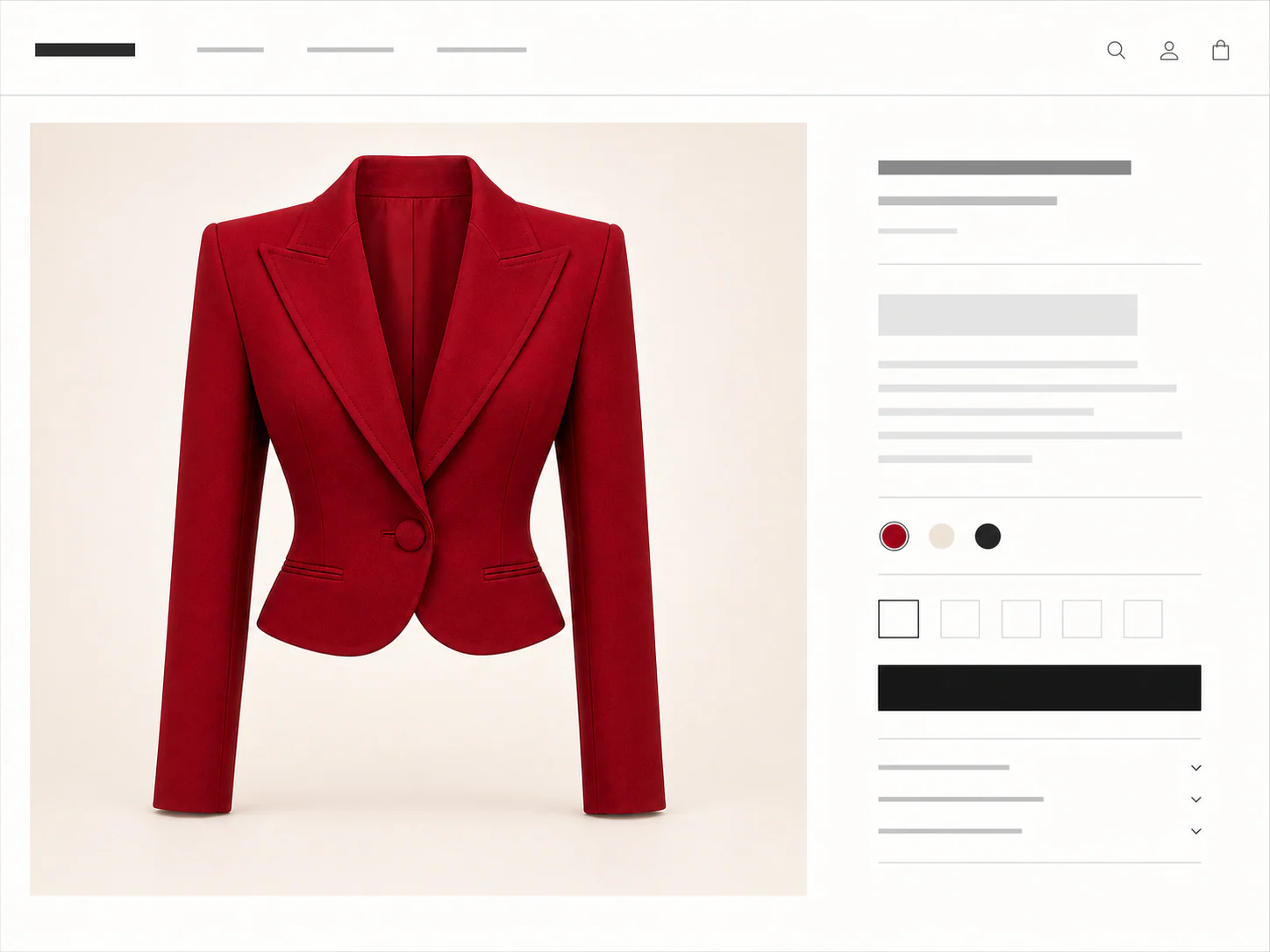
This AI clothes swap accepts flat lays, product photos, and screenshots in the same simple two-upload flow.
You don't need a clean product shot. Any of these can be the garment image.
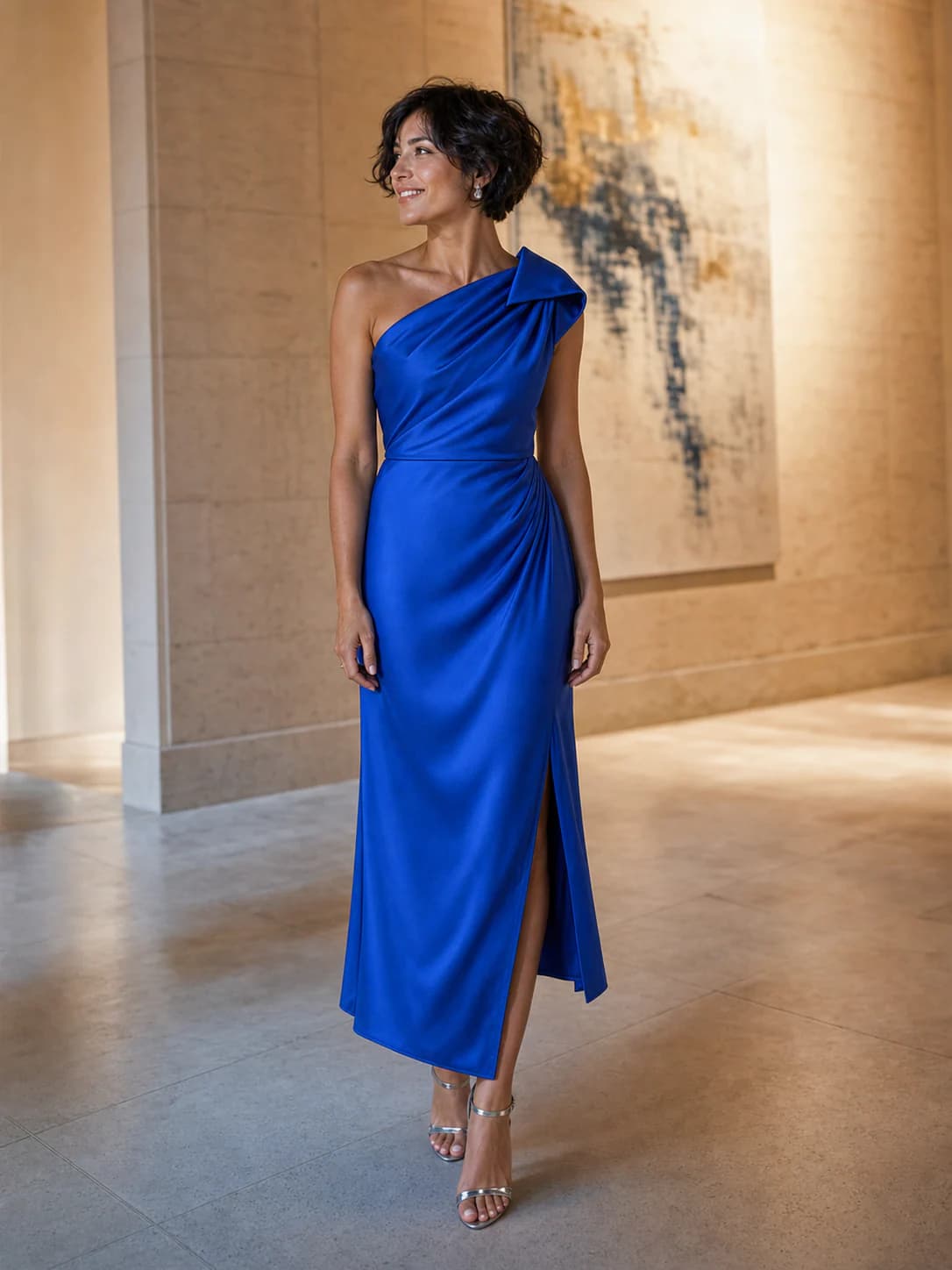
A focused garment replacement
AI Clothes Swap is for a specific edit: you already have a person photo you like, but you want to see a different garment in it. The person photo sets the identity, pose, proportions, and scene. The clothing image tells the tool which item to introduce.
Compare one shirt, blouse, overshirt, or jacket without rebuilding the rest of the image. A clearly separated item gives the swap a stronger visual reference.
Keep your person photo fixed and run each shortlisted garment separately. The results make color and shape easier to compare in a familiar setting.
Choose a photo where you already like the face, pose, and background. The AI clothes swap can then focus on the garment instead of asking you to recreate the shot.
Prepare a cleaner swap
The base photo should make the person easy to read. The replacement image should make the garment easy to read. Cleaner references reduce guesswork around sleeves, necklines, hems, and layered areas.
Use the result to judge the direction of the swap. It is an AI approximation, so inspect the face, hands, garment edges, logos, and background before you rely on fine details.
Use
One visible person with the target clothing area in frame
A product photo, flat lay, screenshot, or clear worn reference
A garment crop that keeps its full shape and important details
Avoid
Crossed arms or objects covering most of the target garment
Group photos where the intended person is ambiguous
Tiny, blurred, or heavily obstructed product references
Credits, plainly priced
Standard costs 10 credits. HD costs 20. Failed generations cost nothing.
300 credits · 30 Standard or 15 HD try-ons · Purchased credits never expire
$7.99
Compare one-time packs with the Monthly plan, including credit expiry and billing rules.
Compare all plansGood to know
Your first standard try-on works without an account, and your photos are removed automatically.
It uses your person photo as the base and a second clothing image as the replacement reference. The goal is to change the target garment while keeping the person and scene recognizable.
Yes. A single, clearly visible garment is the best starting point. Avoid references where another item covers most of the clothing you want to use.
The workflow treats them as anchors, but every result is an AI approximation. Inspect identity, hands, garment edges, and background details before using the image.
Use JPG, PNG, WEBP, HEIC, or HEIF images up to 15MB. Choose a clear full-body or waist-up photo. Garment photos, flat lays, and shopping screenshots are supported.
Yes. Choose Link in the garment step, then paste a public product image or product-page URL. Upload a screenshot if the store blocks the import.
A result is usually ready in about a minute. You can leave the tab open or switch away while the job continues.
Failed generations cost nothing. Use the retry option in the result panel to run the same try-on again without another charge.
No. The preview helps you judge color, shape, and styling. Check the size chart, fabric details, and real garment before deciding on fit.
The fitting room is ready
One free standard try-on, no sign-up. Your photos are deleted automatically after seven days.