
01Shirts & knitwear
Frame the torso and keep the arms relaxed
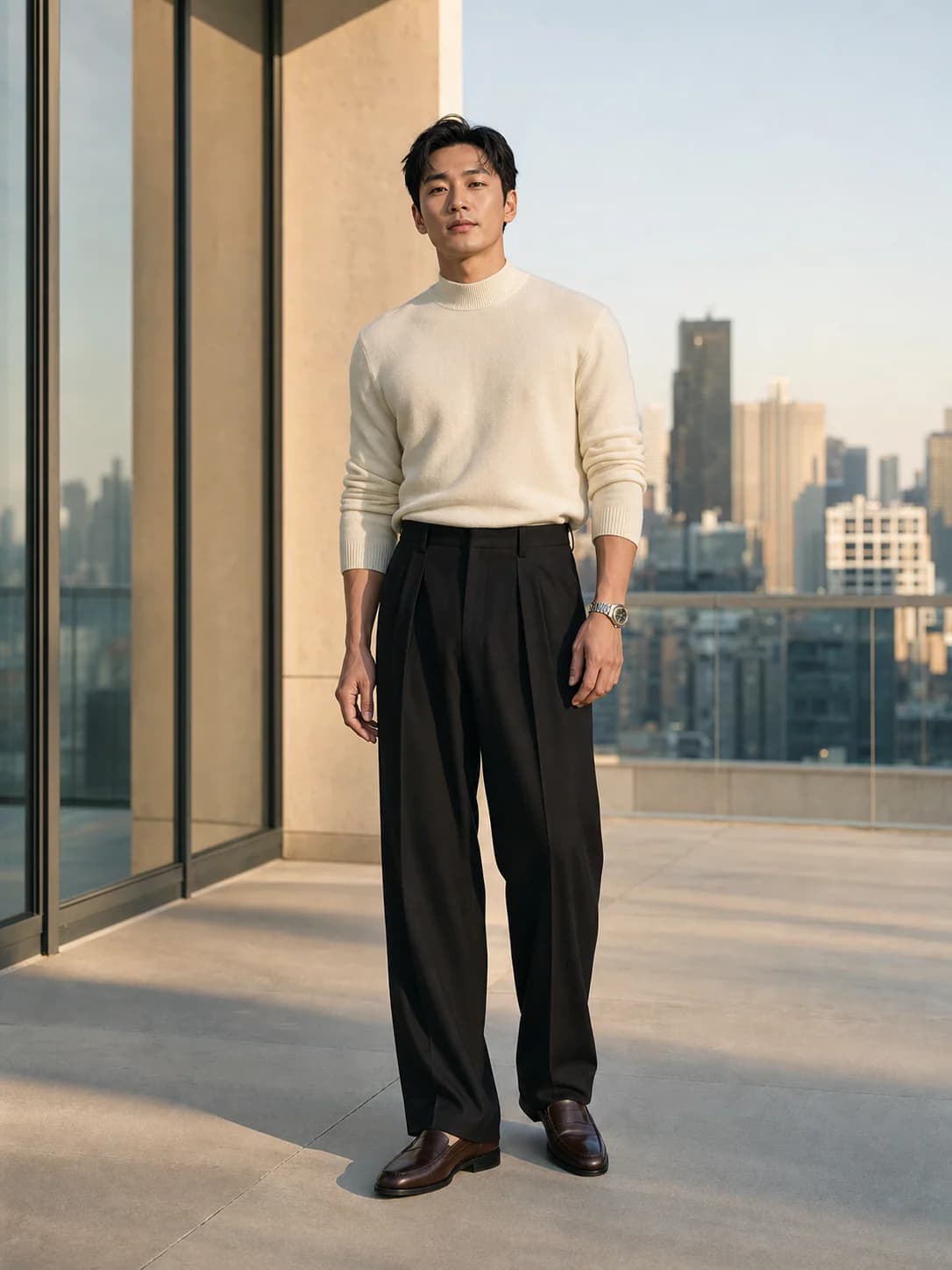
Use a waist-up or three-quarter photo with the collar, shoulders, sleeves, and hem area visible. This gives the preview better context for everyday tops and mid-layers.
Private AI fitting room
Test the jacket before the return label.
AI Clothes Changer for Men gives you a fast menswear preview for comparing shape, color, and styling without an account.
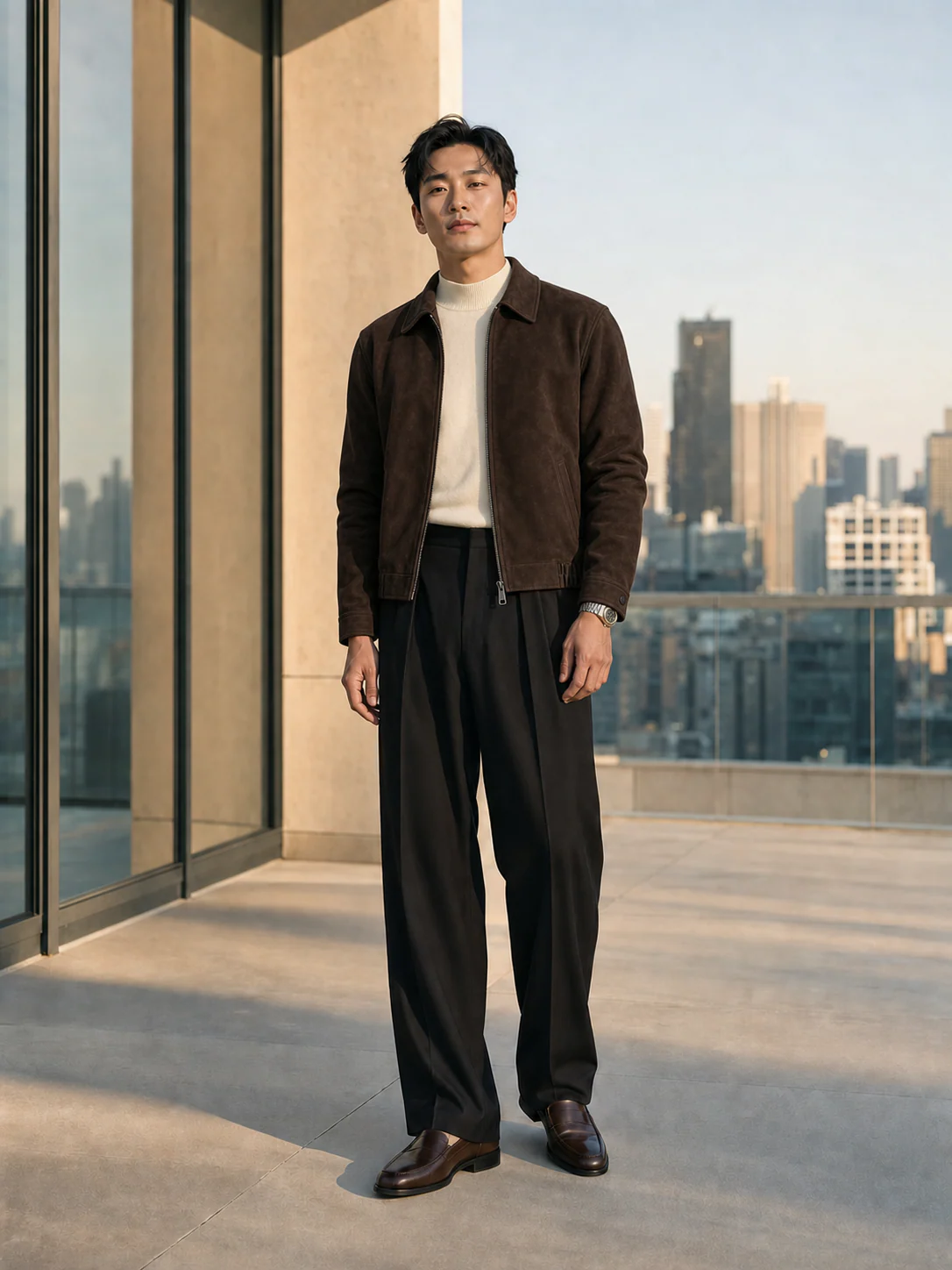
Full body or waist-up works best.
JPG · PNG · WEBP · HEIC · MAX 15MB
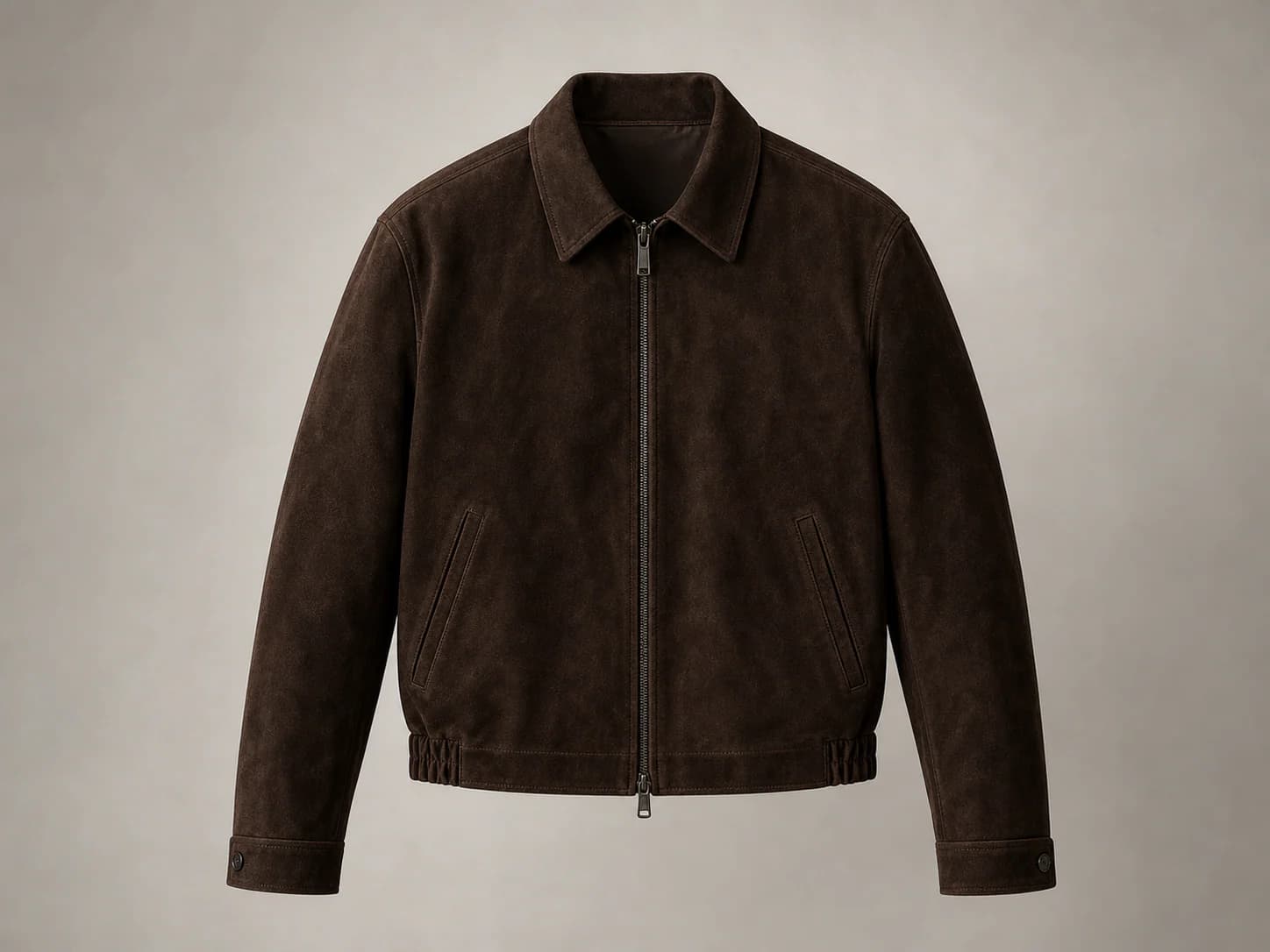
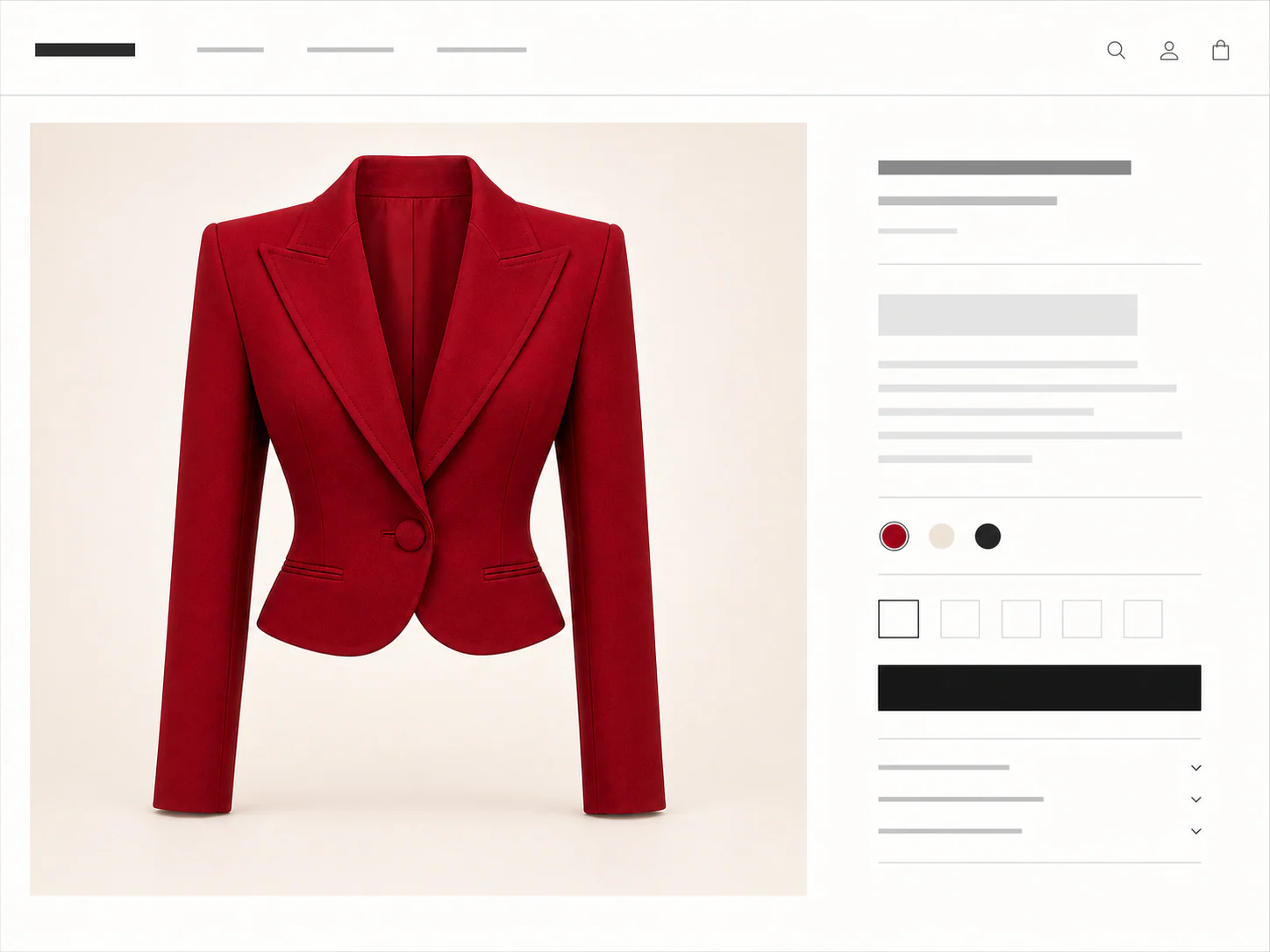
Product photo, flat lay, or shopping screenshot.
JPG · PNG · WEBP · HEIC · MAX 15MB
Your try-on will appear here
Add your photo and a garment to create a private result. Usually ready in about a minute.
Upload a clear standing photo
Frame the torso for shirts and knitwear, or use a full-body photo for longer jackets.
Add one menswear product image
Choose one clear menswear reference with visible lapels, sleeves, hem, and fastenings.
Review the generated menswear outfit
Compare proportion and styling, then use the retailer chart to decide the actual size.
This AI Clothes Changer for Men uses product photos from any store and a clear photo of yourself; the same private seven-day deletion rule applies.
You don't need a clean product shot. Any of these can be the garment image.
Menswear decisions in context
AI Clothes Changer for Men helps compare shirts, overshirts, knitwear, jackets, and occasion looks on a familiar photo. It is most useful for visual questions: length, color, layering, and the balance between garment shape and body proportion.
Use a waist-up or three-quarter photo with the collar, shoulders, sleeves, and hem area visible. This gives the preview better context for everyday tops and mid-layers.
A longer frame makes it easier to compare cropped jackets, overshirts, blazers, and coats. Leave space around the body instead of cutting the garment area at the edge.
Generate casual and dressier references separately. Look at collar shape, lapel width, jacket length, color contrast, and how the overall direction suits the occasion.
A better menswear reference
Menswear decisions often depend on small proportion changes. Choose product images where shoulders, fastening, pockets, cuffs, and hem are visible, and match the person-photo crop to the garment length.
AI Clothes Changer for Men can help with styling and proportion, but it cannot measure your body or predict exact ease. Confirm chest, shoulder, sleeve, and garment measurements with the seller.
Use
A straight or lightly angled pose with a clear torso
One shirt, knit, jacket, or full-look reference at a time
Retailer measurements after narrowing the visual shortlist
Avoid
Poses that hide the front with crossed arms or accessories
Assuming generated sleeve or jacket length is a measurement
Treating the preview as evidence of comfort or fabric weight
Credits, plainly priced
Standard costs 10 credits. HD costs 20. Failed generations cost nothing.
300 credits · 30 Standard or 15 HD try-ons · Purchased credits never expire
$7.99
Compare one-time packs with the Monthly plan, including credit expiry and billing rules.
Compare all plansGood to know
Your first standard try-on works without an account, and your photos are removed automatically.
Start with shirts, overshirts, jackets, knitwear, or clear occasion-wear references. One well-defined garment or look usually gives the most useful result.
Use a standing photo with relaxed arms and a clear view of your torso. For a longer coat or a head-to-toe look, include more of your body in the frame.
No. Use the preview to judge color, length, and overall proportion. Use your body measurements, the product cut, and the retailer size chart for fit.
Keep one person photo and generate each reference separately. Compare collar shape, jacket length, color balance, and how formal the overall look feels.
No. Your first Standard try-on works without an account. Sign in with Google for more generations, HD, and pinned results.
Person photos, garment images, and results are deleted seven days after upload or generation. Download anything you want to keep.
No. We use your photos and results only for the try-on you request, not for model training.
Use JPG, PNG, WEBP, HEIC, or HEIF images up to 15MB. Choose a clear full-body or waist-up photo. Garment photos, flat lays, and shopping screenshots are supported.
Yes. Choose Link in the garment step, then paste a public product image or product-page URL. Upload a screenshot if the store blocks the import.
The fitting room is ready
One free standard try-on, no sign-up. Your photos are deleted automatically after seven days.