
01Occasion
Move a look from casual to polished
Use separate clothing references to compare an everyday option with a sharper one. Review each result for balance and occasion fit, not only whether the garment appears.
Private AI fitting room
Change the outfit. Keep the person.
AI Outfit Changer prioritizes identity, body proportions, pose, and garment details while keeping the workflow focused.
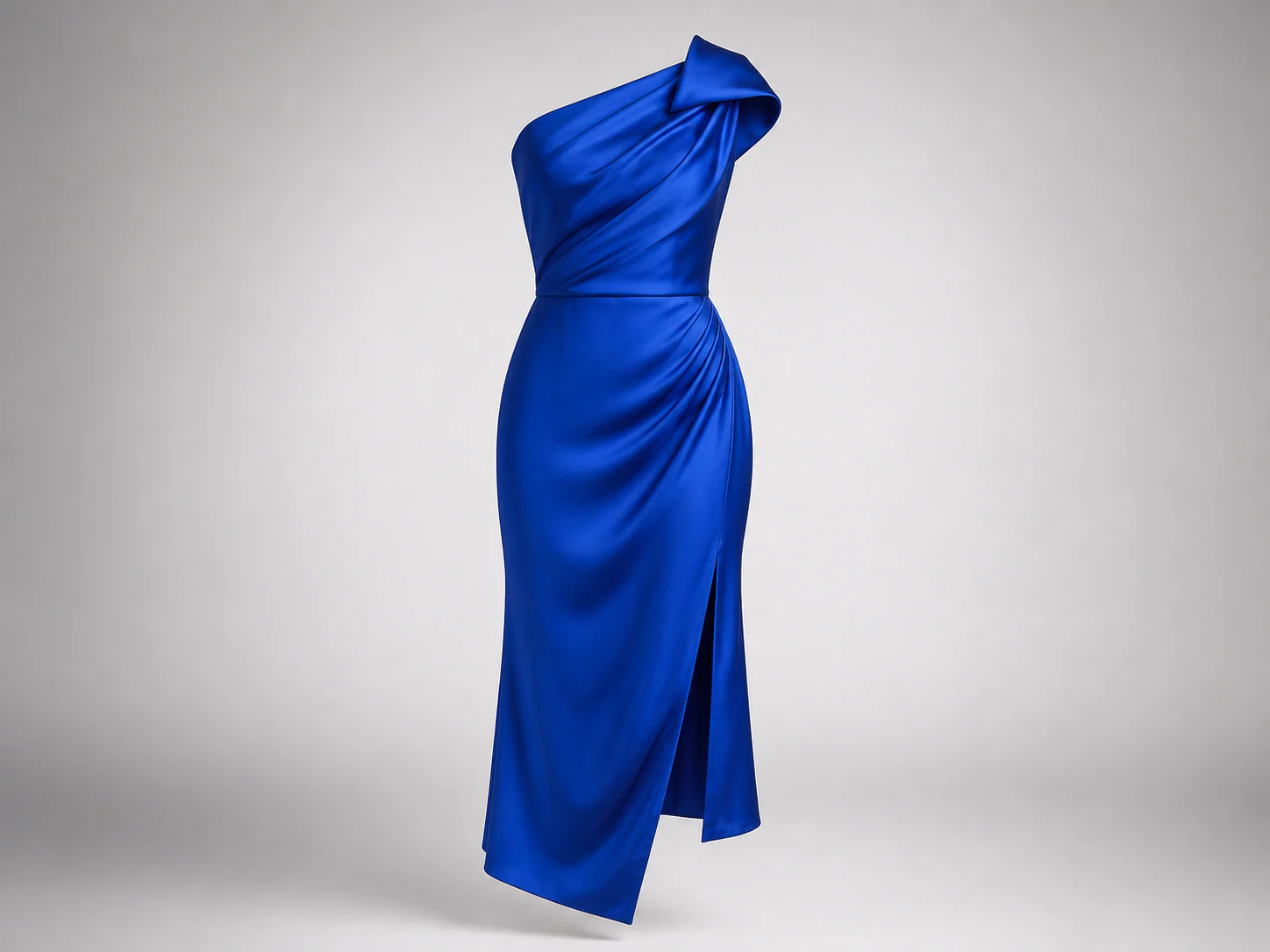
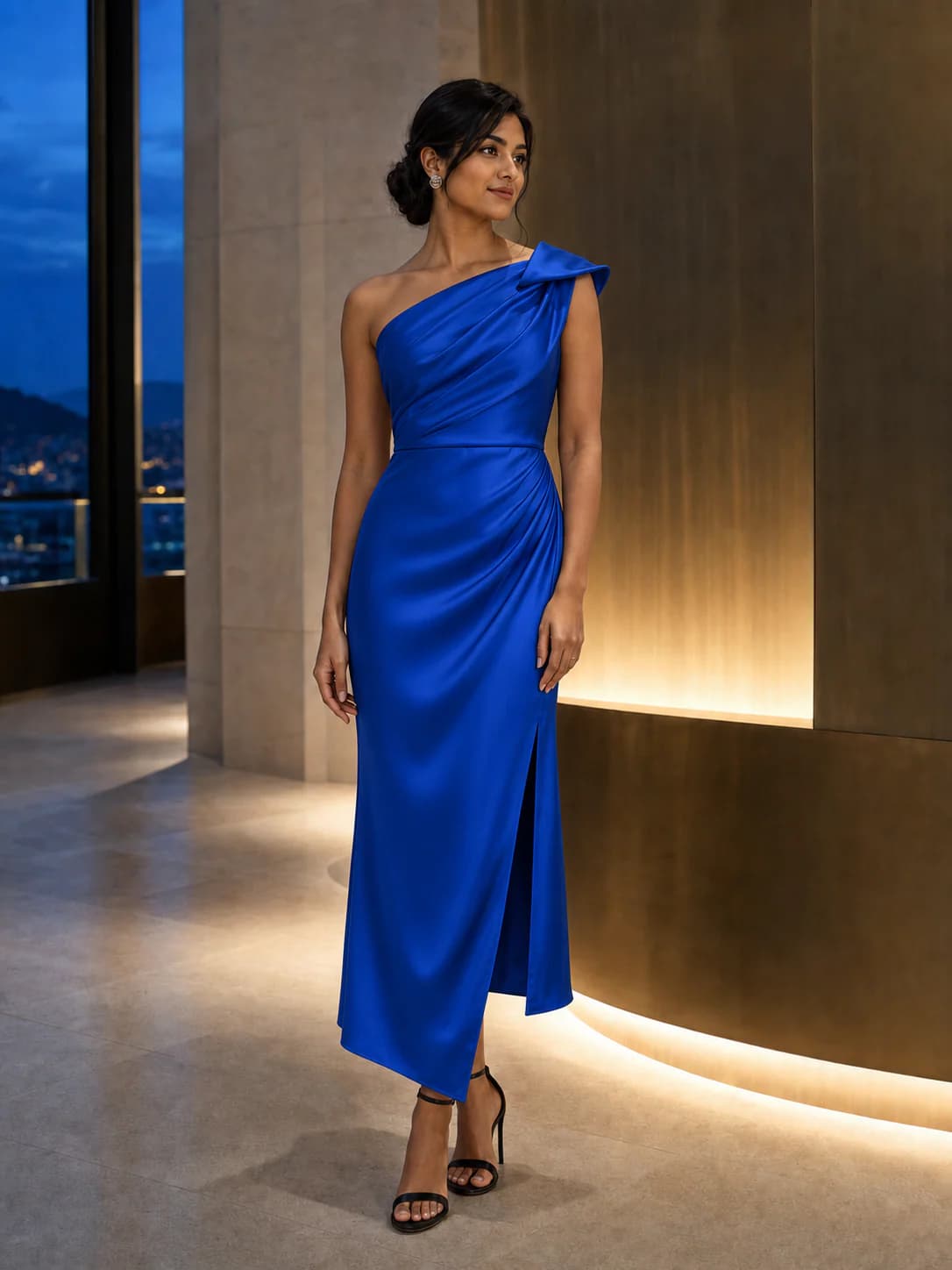
Full body or waist-up works best.
JPG · PNG · WEBP · HEIC · MAX 15MB
Product photo, flat lay, or shopping screenshot.
JPG · PNG · WEBP · HEIC · MAX 15MB
Your try-on will appear here
Add your photo and a garment to create a private result. Usually ready in about a minute.
Upload a full-body portrait
Show enough of your body to judge the proportions of the look you want to compare.
Add the new outfit reference
Use one clear clothing or outfit reference for each result instead of combining several items.
Generate and compare your AI Outfit Changer result
Generate alternatives one at a time, then compare color, balance, and occasion fit.
This AI outfit changer needs no layers, masks, or prompt writing — just the two images that matter.
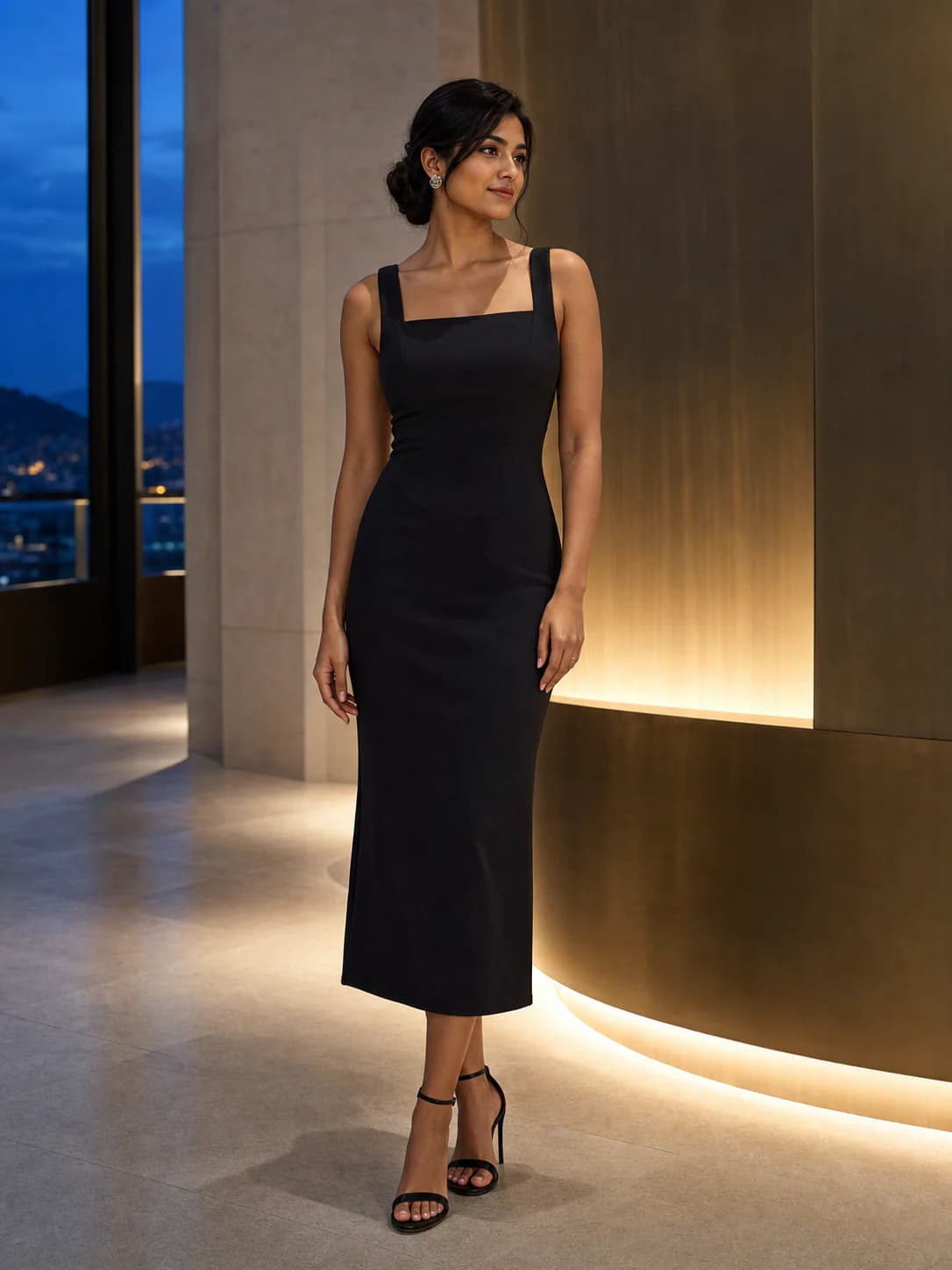
You don't need a clean product shot. Any of these can be the garment image.
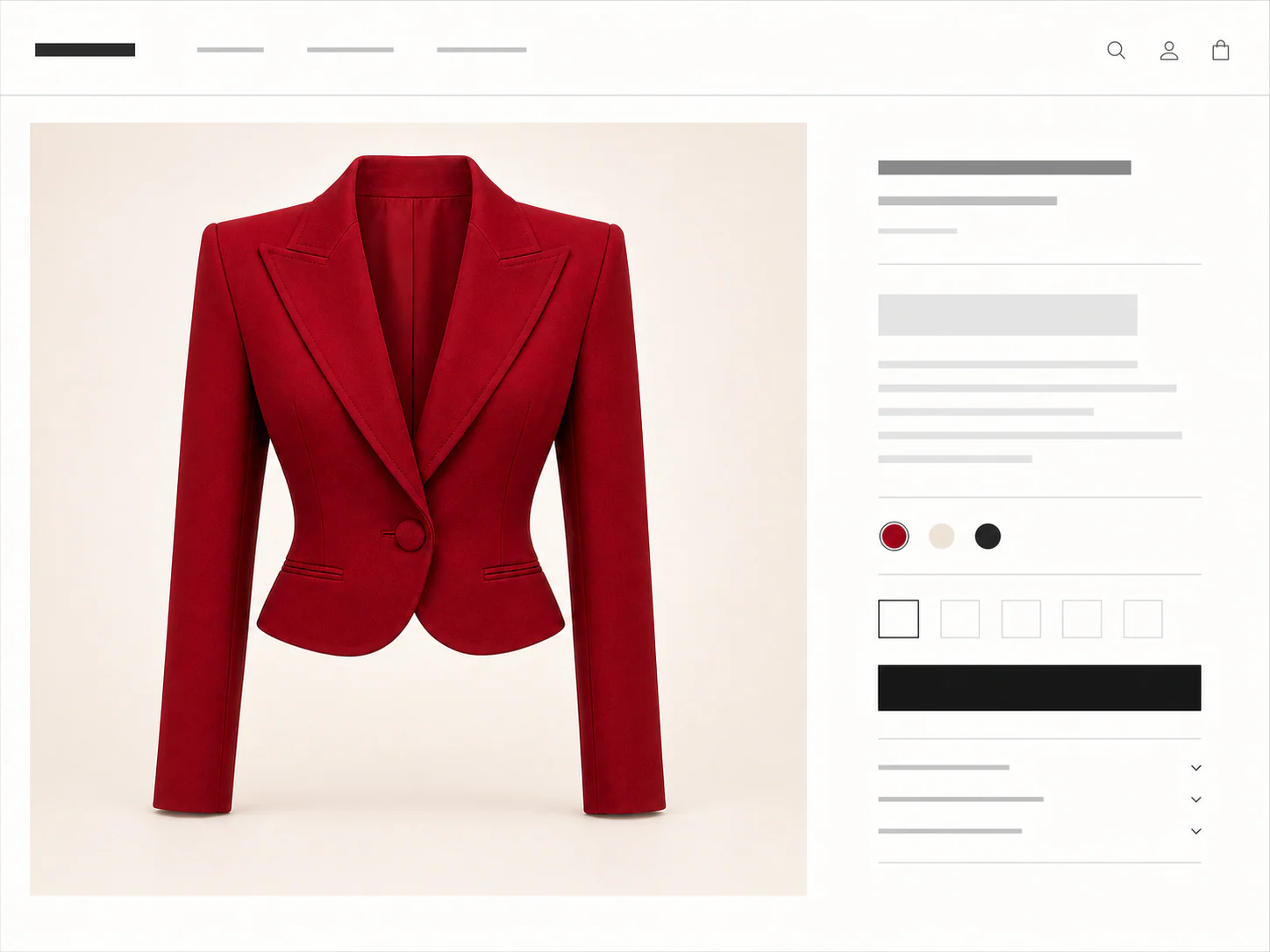
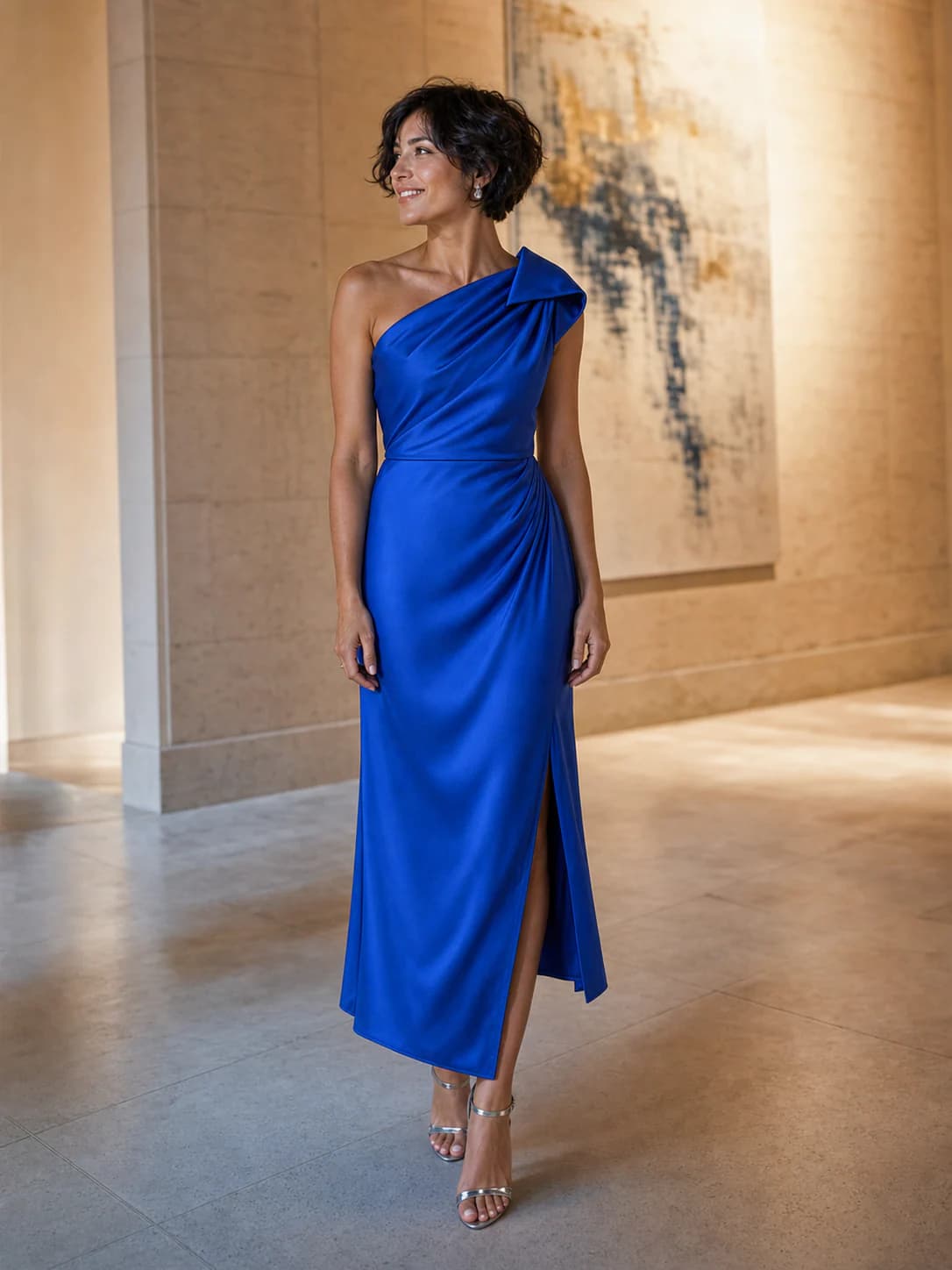
Compare a different style direction
AI Outfit Changer helps when the question is broader than replacing a near-identical item. Use it to compare how a different color story, silhouette, or level of formality works with the same person, pose, and setting.
Use separate clothing references to compare an everyday option with a sharper one. Review each result for balance and occasion fit, not only whether the garment appears.
A cropped jacket, relaxed overshirt, and longer outer layer create different proportions. Keeping the same base photo makes those differences easier to notice.
Try references in warm, cool, light, or dark colors against one person photo. The preview can narrow a shortlist before you inspect fabric and color in person.
Make comparisons useful
The current workflow accepts one clothing reference for each generated result. It is not a multi-layer styling editor. For a fair comparison, keep the person image unchanged and generate each look on its own.
An AI Outfit Changer supports visual comparison; it does not style a complete wardrobe from instructions. Check the actual garment composition, measurements, and return terms before checkout.
Use
A full-body photo when overall outfit proportion matters
One clear garment or full-look reference per generation
Consistent person framing across every option you compare
Avoid
Combining several unrelated product images into one input
Judging two styles from different poses or camera distances
Treating generated texture and fabric behavior as exact
Credits, plainly priced
Standard costs 10 credits. HD costs 20. Failed generations cost nothing.
300 credits · 30 Standard or 15 HD try-ons · Purchased credits never expire
$7.99
Compare one-time packs with the Monthly plan, including credit expiry and billing rules.
Compare all plansGood to know
Your first standard try-on works without an account, and your photos are removed automatically.
Use it to compare a different look on the same person photo. It is useful for checking whether a style direction, color, or silhouette feels right before buying.
The current workflow takes one clothing reference per result. Use a clear full-look reference when possible, or compare individual garments in separate generations.
Keep the same person photo and change only the clothing reference. This gives you a more consistent view of the two looks, although each result can still vary.
No. Your first Standard try-on works without an account. Sign in with Google for more generations, HD, and pinned results.
Person photos, garment images, and results are deleted seven days after upload or generation. Download anything you want to keep.
No. We use your photos and results only for the try-on you request, not for model training.
Standard uses 10 credits and HD uses 20. Your first Standard try-on is free. HD requires sign-in and enough credits.
Failed generations cost nothing. Use the retry option in the result panel to run the same try-on again without another charge.
No. The preview helps you judge color, shape, and styling. Check the size chart, fabric details, and real garment before deciding on fit.
The fitting room is ready
One free standard try-on, no sign-up. Your photos are deleted automatically after seven days.