
01Product page
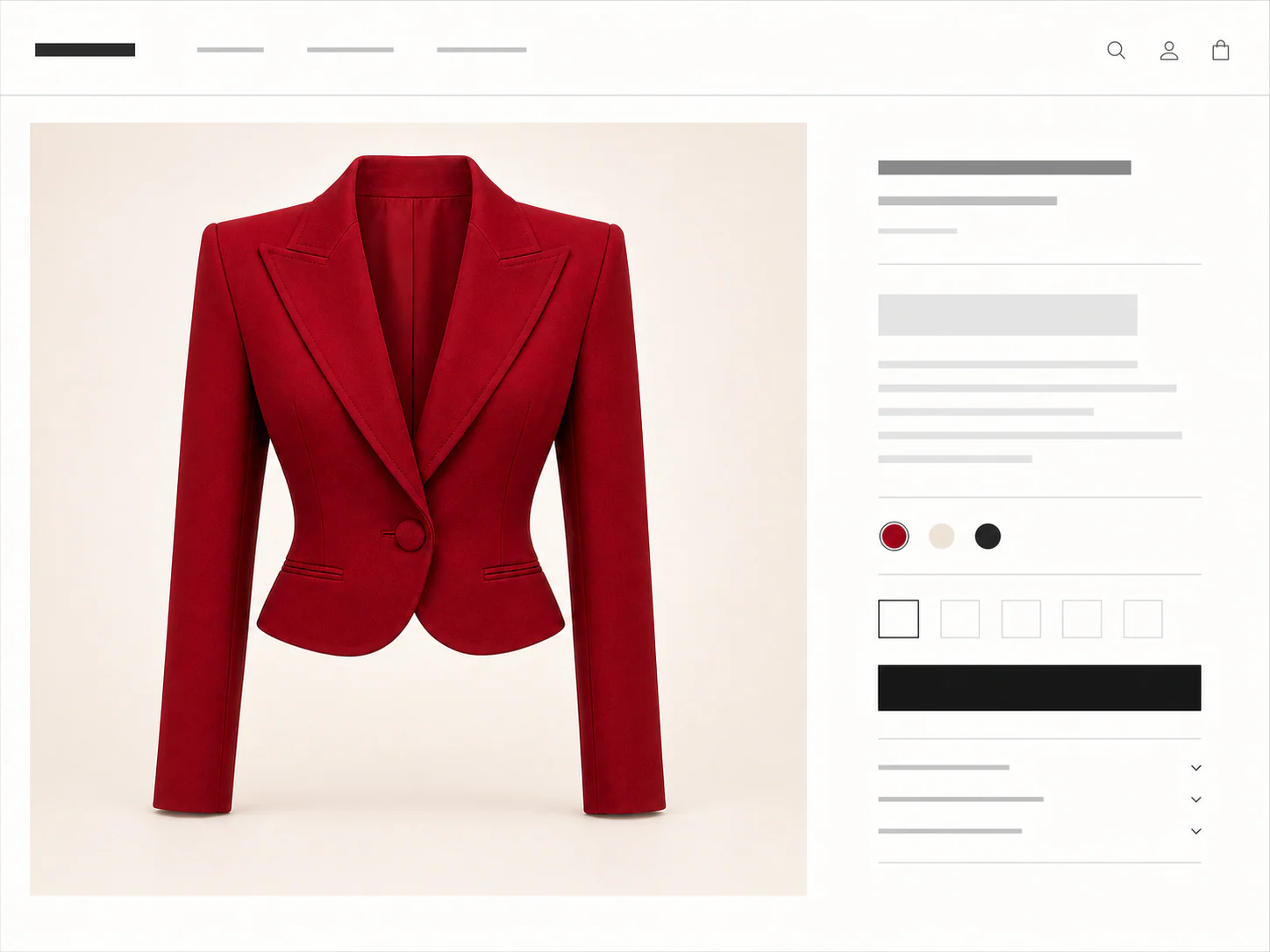
Crop the item out of a busy store page
A shopping screenshot can work when the product itself stays large and clear. Remove navigation, price blocks, thumbnails, and unrelated recommendations where possible.
Private AI fitting room
A focused three-step workflow.
Change Clothes in a Photo with AI from shopping screenshots or everyday photos, with a free first Standard result.
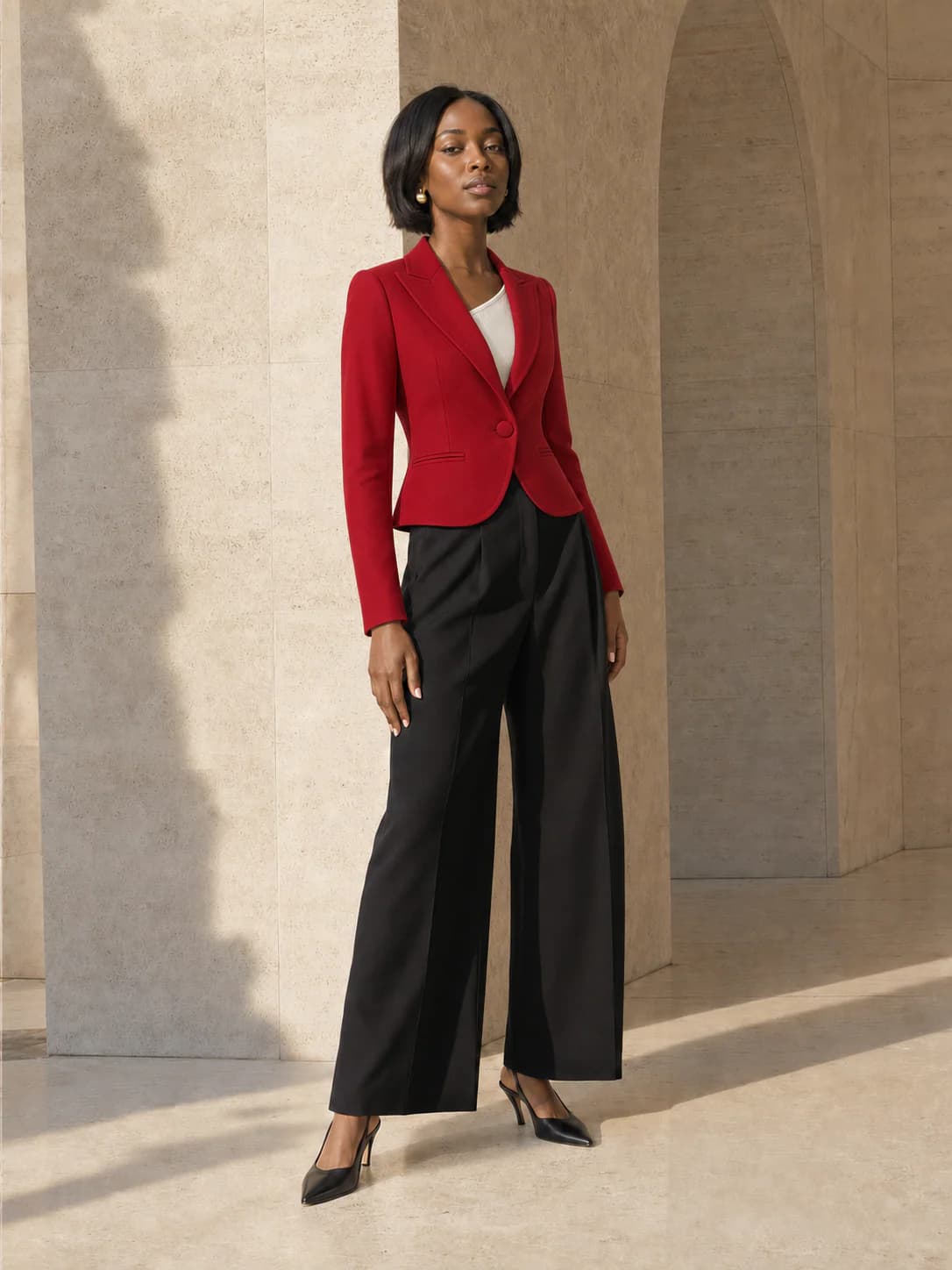
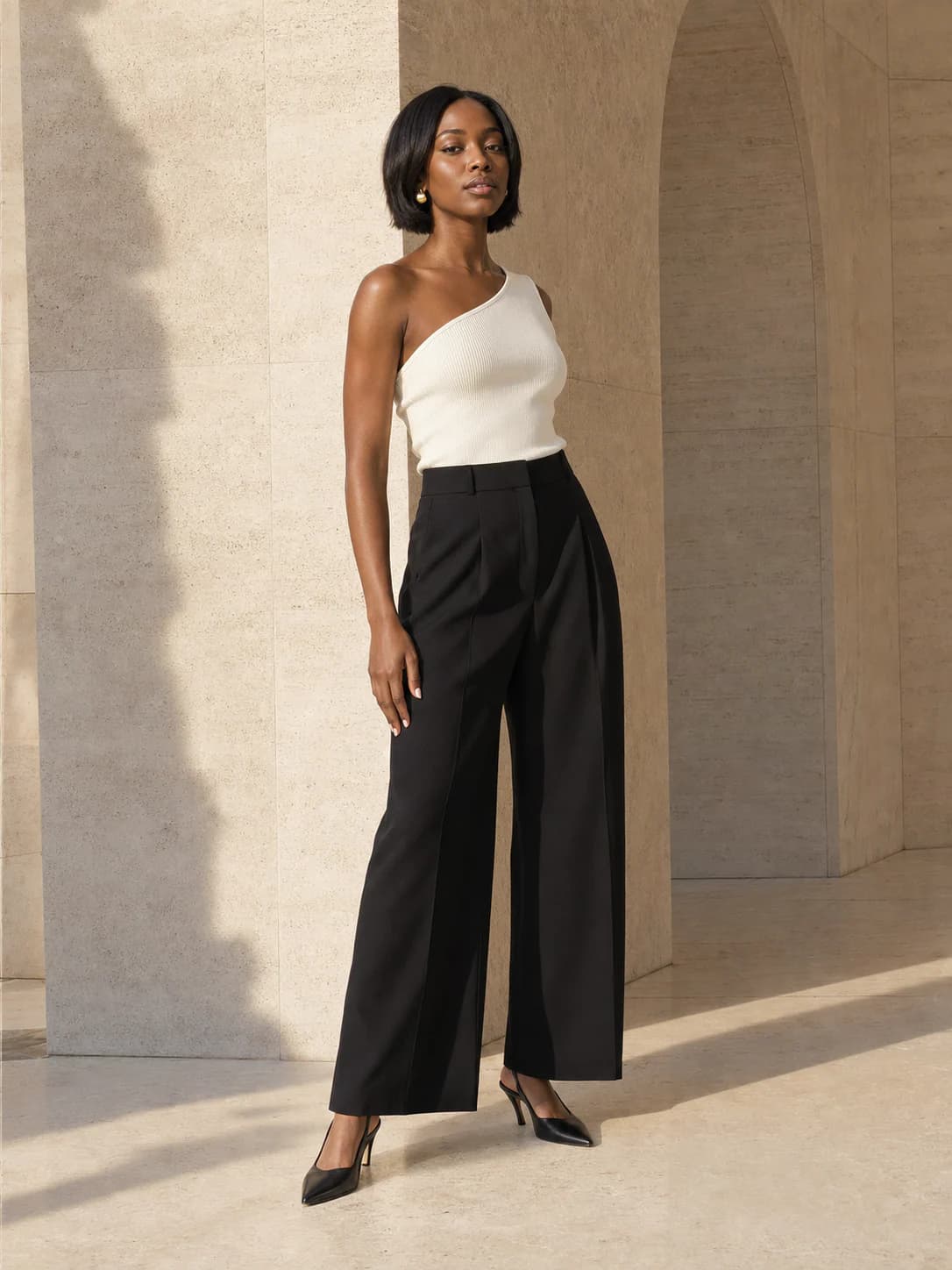
Full body or waist-up works best.
JPG · PNG · WEBP · HEIC · MAX 15MB
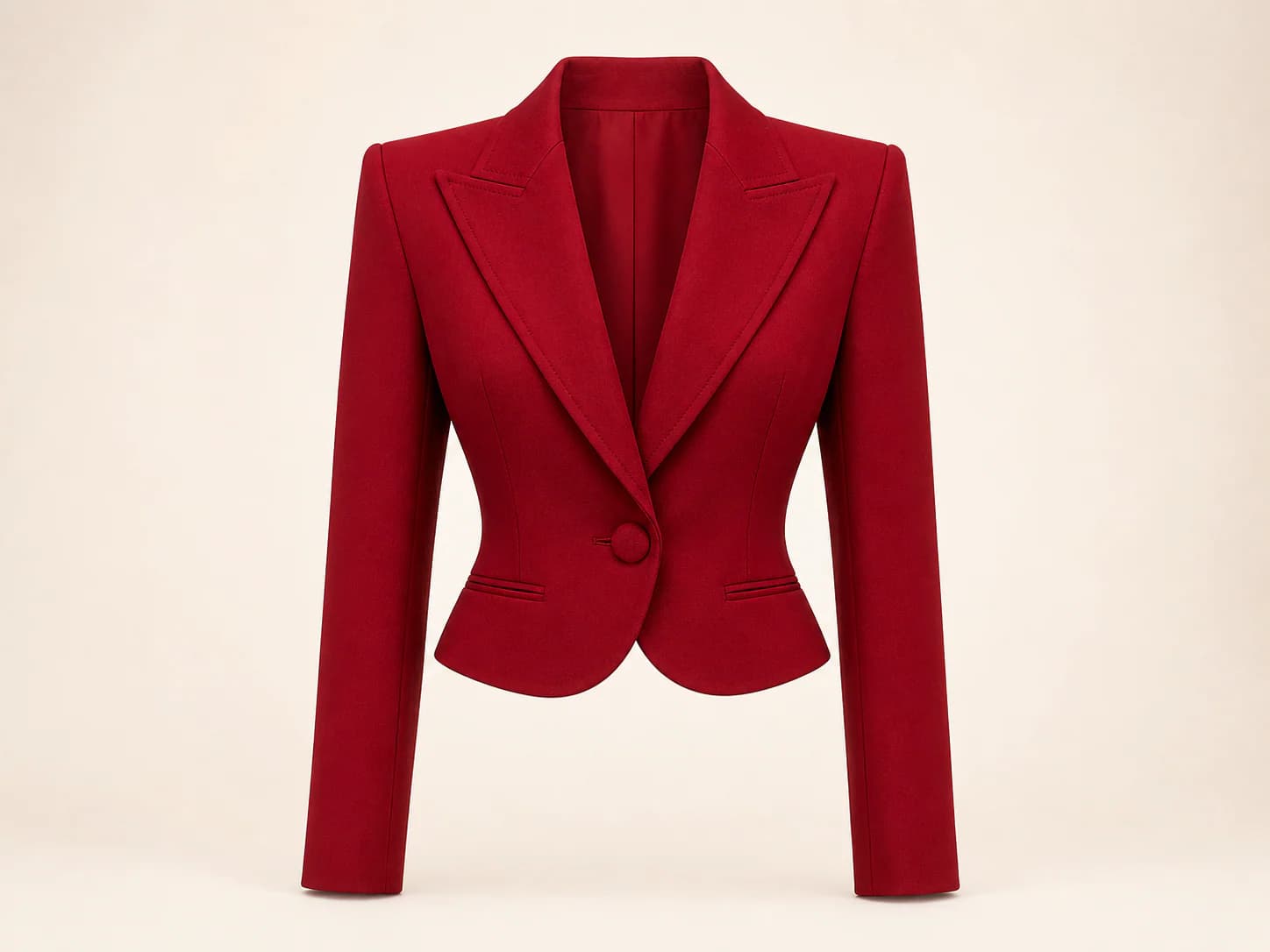
Product photo, flat lay, or shopping screenshot.
JPG · PNG · WEBP · HEIC · MAX 15MB
Your try-on will appear here
Add your photo and a garment to create a private result. Usually ready in about a minute.
Select the person photo
Pick a well-lit photo with one visible person; no masking or manual selection is needed.
Paste or upload the clothing image
Upload a product image or crop a shopping screenshot around the clothing you want.
Review the finished photo
If the output is unclear, improve the crop or photo angle before trying the same edit again.
This change-clothes-in-a-photo workflow uses the exact item you are considering to create a visual approximation on your photo.
You don't need a clean product shot. Any of these can be the garment image.
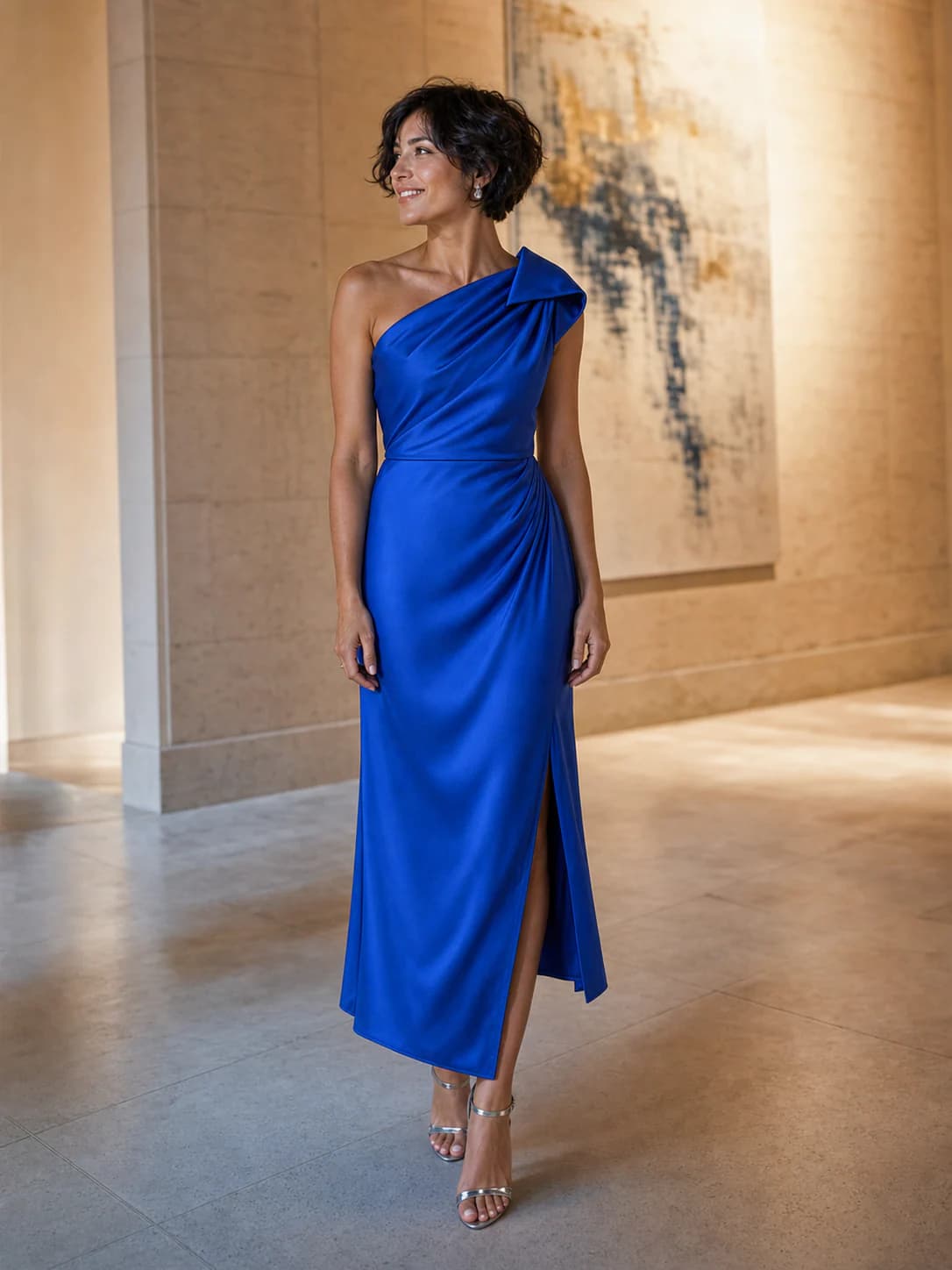
A photo edit without editor tools
This workflow is for people who want to update clothing in an existing photo without learning masks, layers, selections, or prompt writing. Prepare two useful images, generate the edit, and troubleshoot the inputs when the first result needs work.
A shopping screenshot can work when the product itself stays large and clear. Remove navigation, price blocks, thumbnails, and unrelated recommendations where possible.
A waist-up photo is often enough for a top. Use a longer frame for trousers, coats, or a head-to-toe look so the edit has room to follow the garment shape.
If sleeves, edges, or the clothing area look unclear, try a brighter person photo or a tighter garment crop. Better source information is more useful than repeating the same weak pair.
Simple input checks
Most avoidable problems begin with a person who is too small, clothing covered by hands or bags, or a screenshot where the product occupies only a small area. Check these points before generating again.
The finished image is a visual approximation, not a manual retouch. Review small details and use product measurements when your decision depends on exact fit.
Use
Even lighting and enough resolution to see the clothing area
A crop that keeps the garment complete but removes page clutter
Similar garment coverage in the person and reference images
Avoid
Faces or bodies hidden behind large objects
Product collages with several possible garments
Screenshots dominated by text, controls, or promotional banners
Credits, plainly priced
Standard costs 10 credits. HD costs 20. Failed generations cost nothing.
300 credits · 30 Standard or 15 HD try-ons · Purchased credits never expire
$7.99
Compare one-time packs with the Monthly plan, including credit expiry and billing rules.
Compare all plansGood to know
Your first standard try-on works without an account, and your photos are removed automatically.
No. The workflow does not ask for layers, masks, or a written prompt. You provide the person photo and clothing reference, then review the generated edit.
Yes. Crop away browser controls, prices, and unrelated products when you can. Keep the full garment visible so the model has a clean reference.
Small subjects, crossed arms, low light, busy patterns, and covered garments can make the edit harder. Try a clearer person photo or a tighter product crop.
Use JPG, PNG, WEBP, HEIC, or HEIF images up to 15MB. Choose a clear full-body or waist-up photo. Garment photos, flat lays, and shopping screenshots are supported.
Yes. Choose Link in the garment step, then paste a public product image or product-page URL. Upload a screenshot if the store blocks the import.
A result is usually ready in about a minute. You can leave the tab open or switch away while the job continues.
No. Your first Standard try-on works without an account. Sign in with Google for more generations, HD, and pinned results.
Person photos, garment images, and results are deleted seven days after upload or generation. Download anything you want to keep.
No. We use your photos and results only for the try-on you request, not for model training.
The fitting room is ready
One free standard try-on, no sign-up. Your photos are deleted automatically after seven days.