
01Saved product
Turn a product image into a personal preview
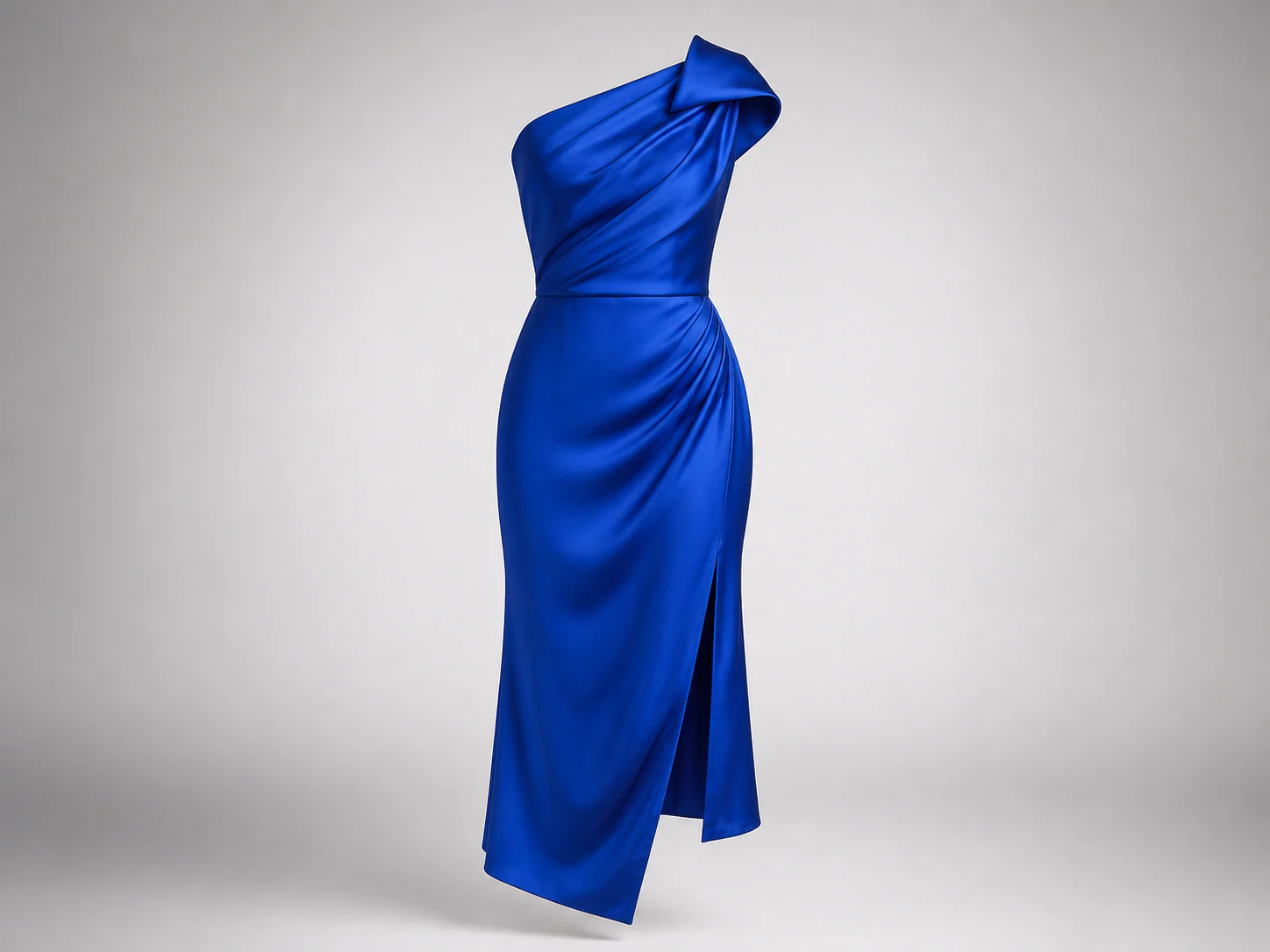
Upload the item you bookmarked and generate it around your own photo. This connects a catalog image to a more familiar view before you decide whether to buy.
Private AI fitting room
Generate an outfit preview around you.
AI Outfit Generator creates a preview from two images: your person photo and the clothing reference you choose. It does not invent an outfit from text alone.
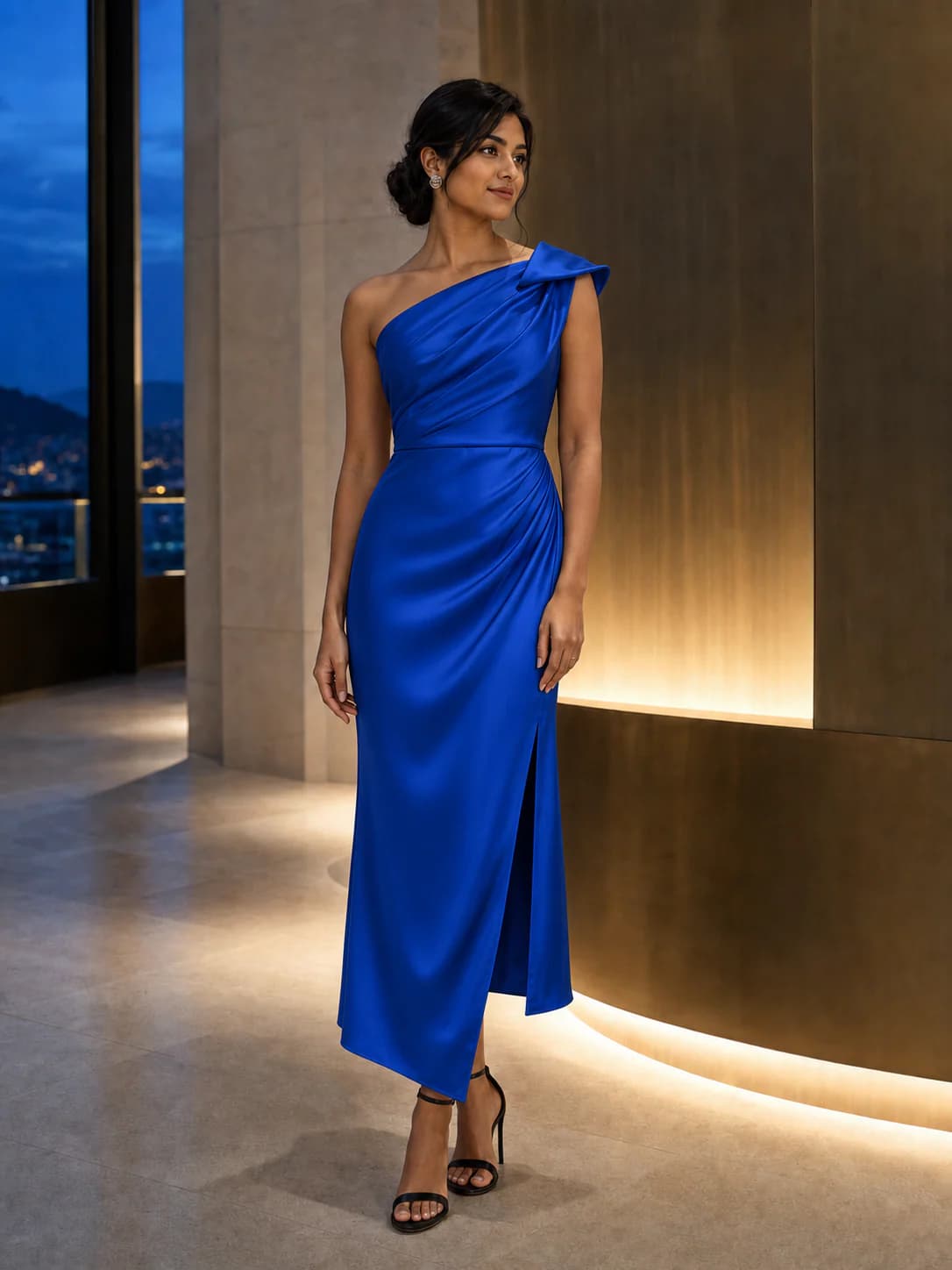
Full body or waist-up works best.
JPG · PNG · WEBP · HEIC · MAX 15MB
Product photo, flat lay, or shopping screenshot.
JPG · PNG · WEBP · HEIC · MAX 15MB
Your try-on will appear here
Add your photo and a garment to create a private result. Usually ready in about a minute.
Upload your person reference
Choose the person, pose, and framing you want the generated preview to follow.
Choose an outfit reference
Provide the actual garment or look you want to see; a text description is not used.
Generate one AI Outfit Generator preview
Treat the output as a reference-based style preview, then verify sizing and fabric separately.
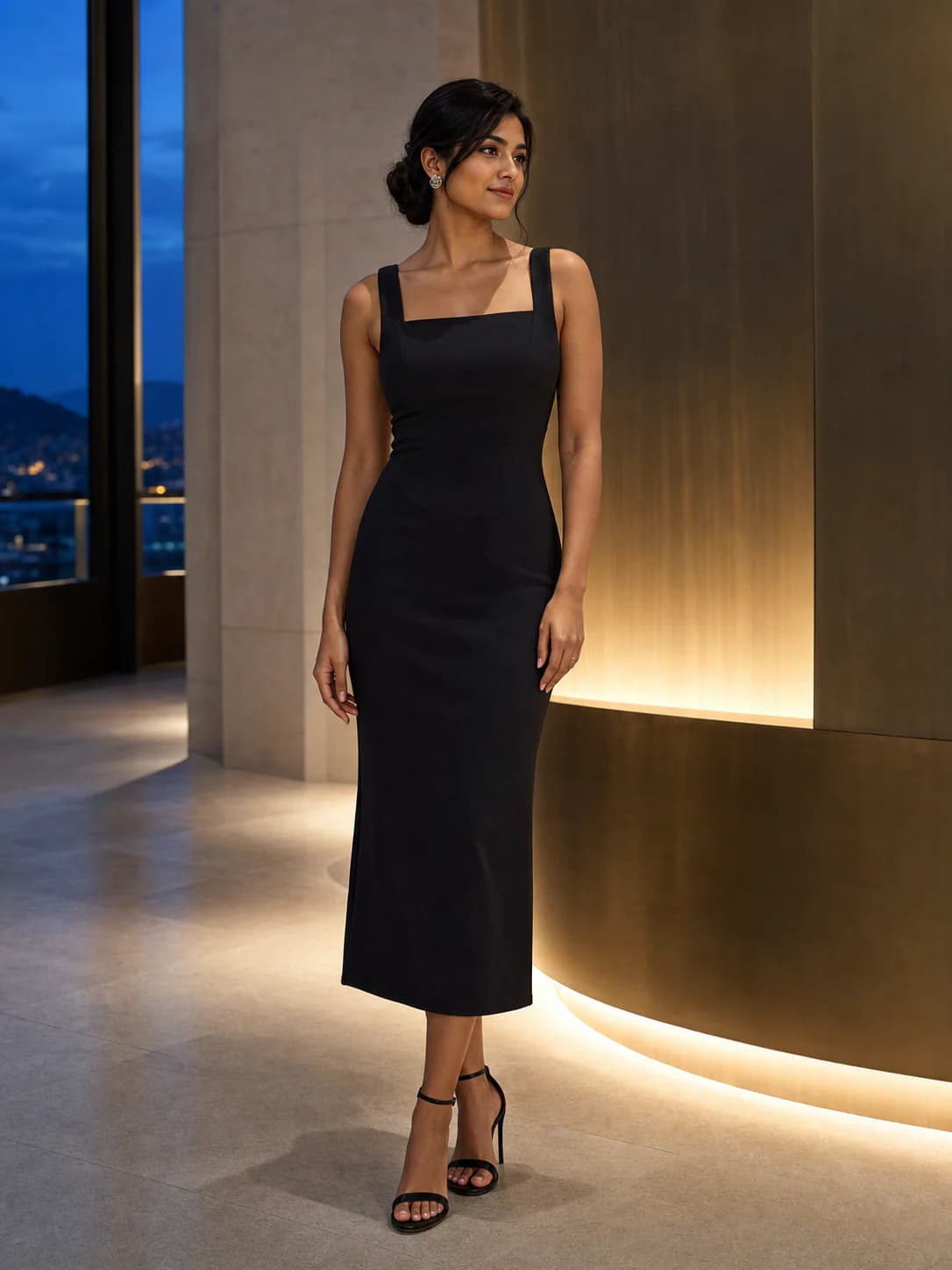
This AI outfit generator keeps your person image as the anchor while the garment image tells the model what to change.
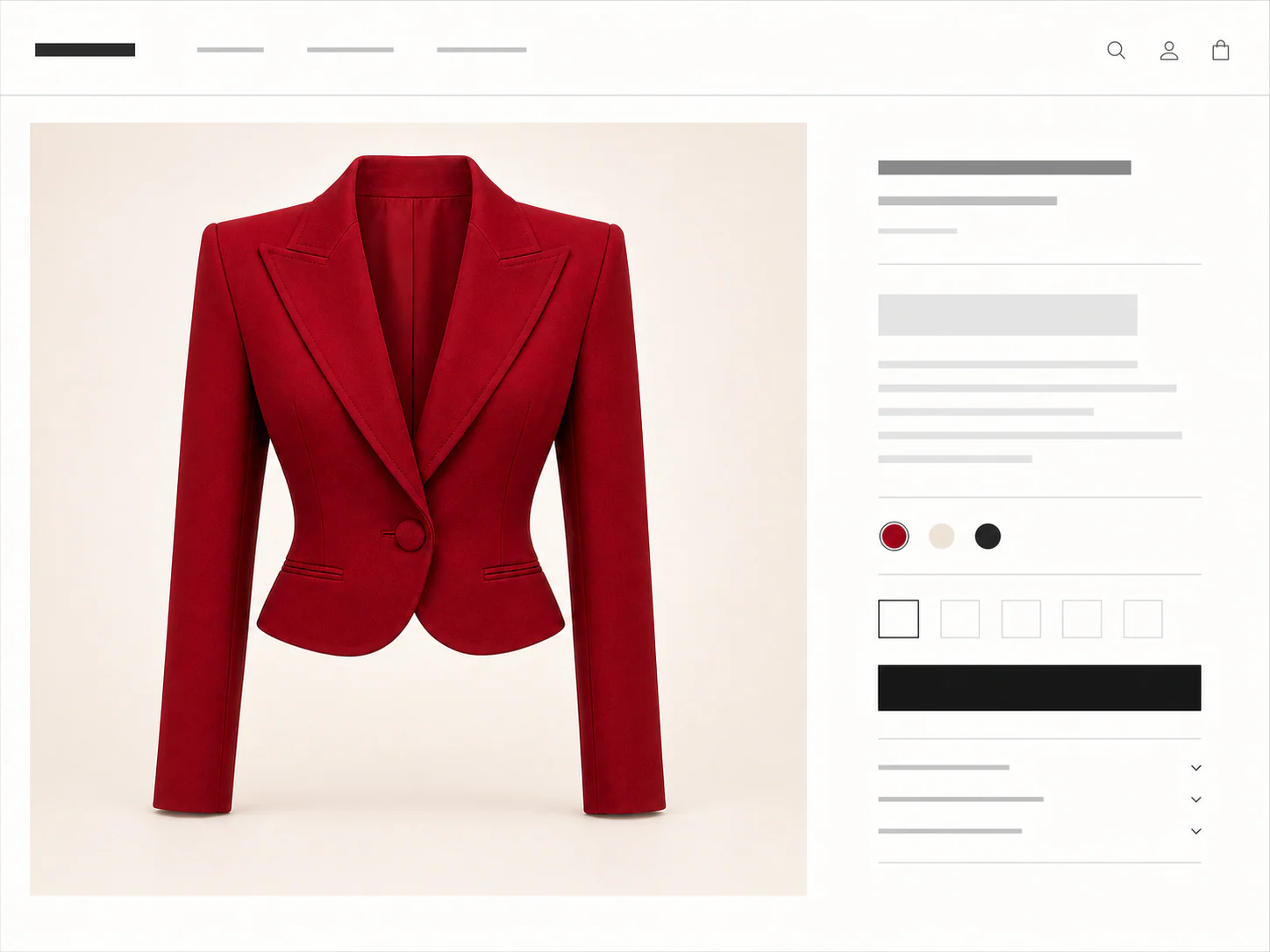
You don't need a clean product shot. Any of these can be the garment image.
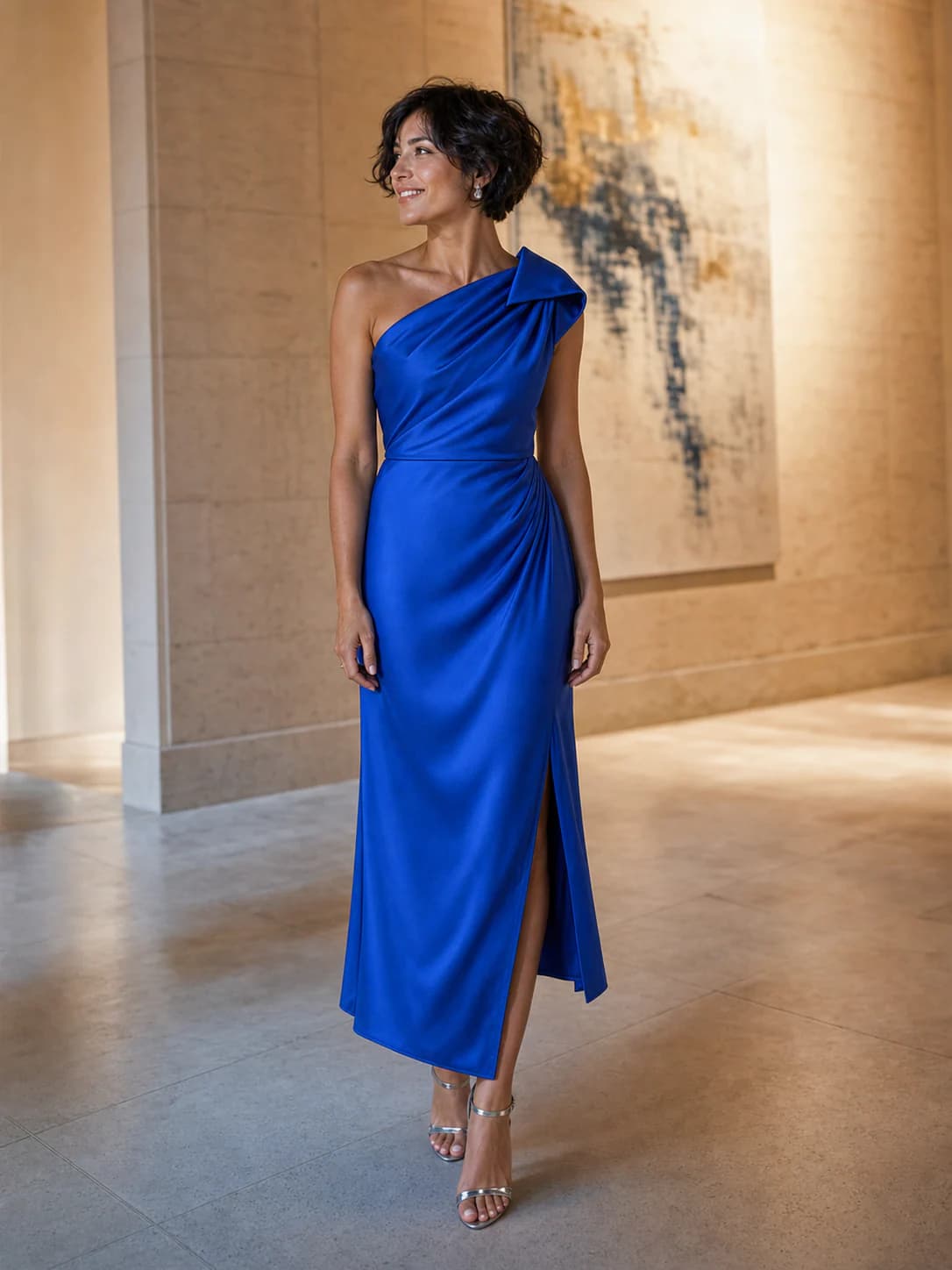
Reference-based outfit generation
AI Outfit Generator creates a personalized preview from two visual references. Your photo defines the person and pose. A product photo, flat lay, shopping screenshot, or worn example defines the clothing direction. The tool does not invent an outfit from words alone.
Upload the item you bookmarked and generate it around your own photo. This connects a catalog image to a more familiar view before you decide whether to buy.
For work, travel, dinner, or an event, choose clothing that already represents the direction. The generator follows that image instead of interpreting a written dress code.
Try a different reference for every silhouette or color option. Keep the same person photo so the generated previews are easier to compare side by side.
Set the right expectation
Choose an image that clearly contains the clothing you want to see. The generator can use that visual information, but it cannot fill in a missing design from a text description or guarantee unseen construction details.
Use AI Outfit Generator for reference-driven visualization. If you need the tool to design a brand-new outfit from a sentence, that is outside the current product workflow.
Use
A recognizable garment with visible shape, color, and details
A person photo framed for the length of the intended look
Separate generations for separate outfit references
Avoid
Text-only requests or mood descriptions without clothing imagery
Reference boards containing several competing outfits
Using the preview as proof of material, sizing, or construction
Credits, plainly priced
Standard costs 10 credits. HD costs 20. Failed generations cost nothing.
300 credits · 30 Standard or 15 HD try-ons · Purchased credits never expire
$7.99
Compare one-time packs with the Monthly plan, including credit expiry and billing rules.
Compare all plansGood to know
Your first standard try-on works without an account, and your photos are removed automatically.
No. The current tool is reference-based. It needs both your person photo and an image of the garment or outfit you want to preview.
Use a product photo, flat lay, shopping screenshot, or clear worn reference. Choose an image where the clothing shape and major details are visible.
Not from scratch. The generator follows the clothing image you provide. Use separate references and results when you want to compare different style ideas.
Use JPG, PNG, WEBP, HEIC, or HEIF images up to 15MB. Choose a clear full-body or waist-up photo. Garment photos, flat lays, and shopping screenshots are supported.
Yes. Choose Link in the garment step, then paste a public product image or product-page URL. Upload a screenshot if the store blocks the import.
A result is usually ready in about a minute. You can leave the tab open or switch away while the job continues.
No. Your first Standard try-on works without an account. Sign in with Google for more generations, HD, and pinned results.
Person photos, garment images, and results are deleted seven days after upload or generation. Download anything you want to keep.
No. We use your photos and results only for the try-on you request, not for model training.
The fitting room is ready
One free standard try-on, no sign-up. Your photos are deleted automatically after seven days.