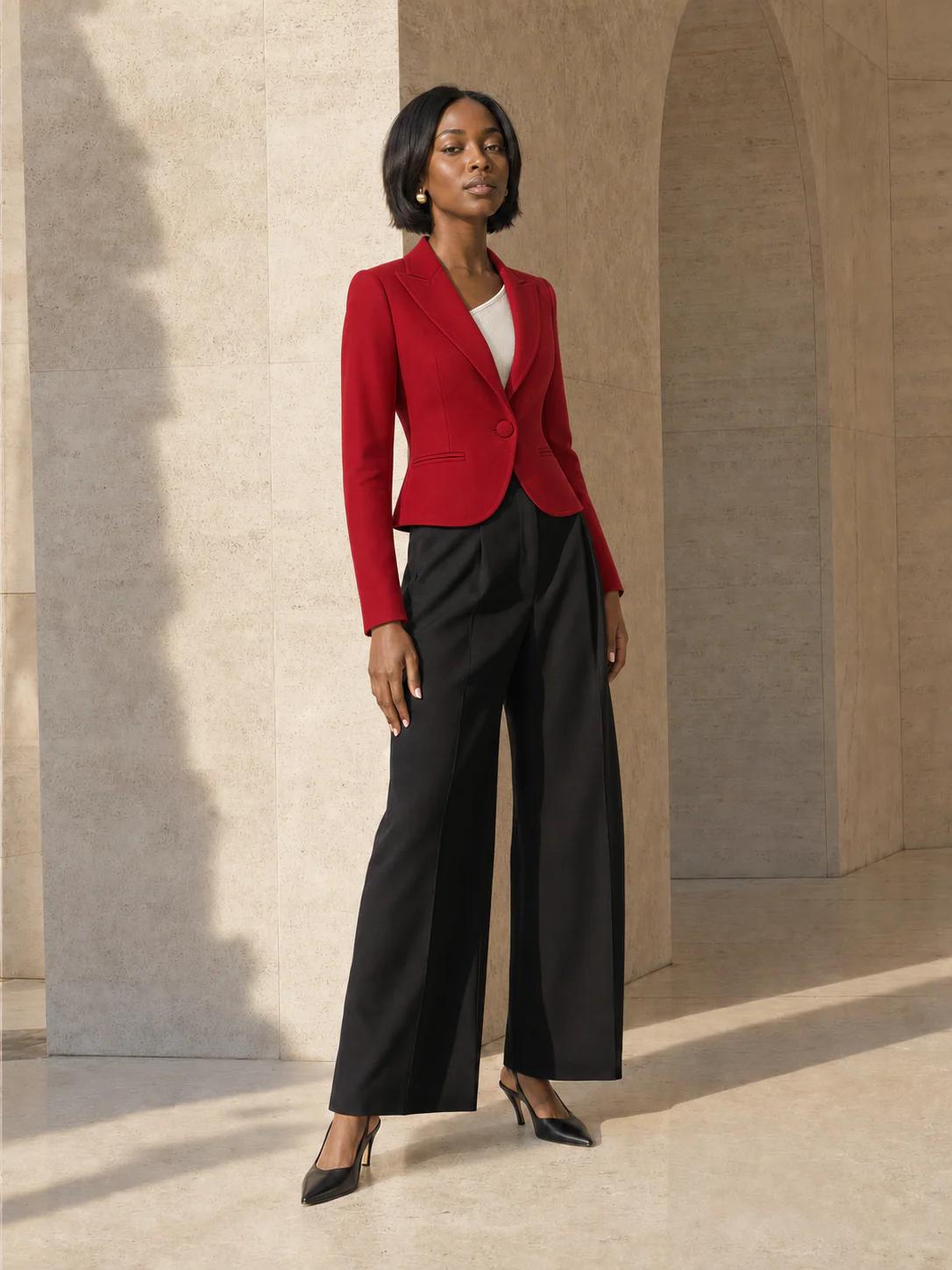
Screenshot workflow4 min guide
How to Try On Clothes from a Shopping Screenshot
Turn any store product tab or phone screenshot into a clean clothing reference and test it on your own photo before checkout.
Practical workflows for shopping screenshots, outfit comparisons, clear input photos, and realistic expectations.
Turn any store product tab or phone screenshot into a clean clothing reference and test it on your own photo before checkout.

Stop guessing between two tabs in your cart: lock your own photo once and review up to four candidate outfits side by side.
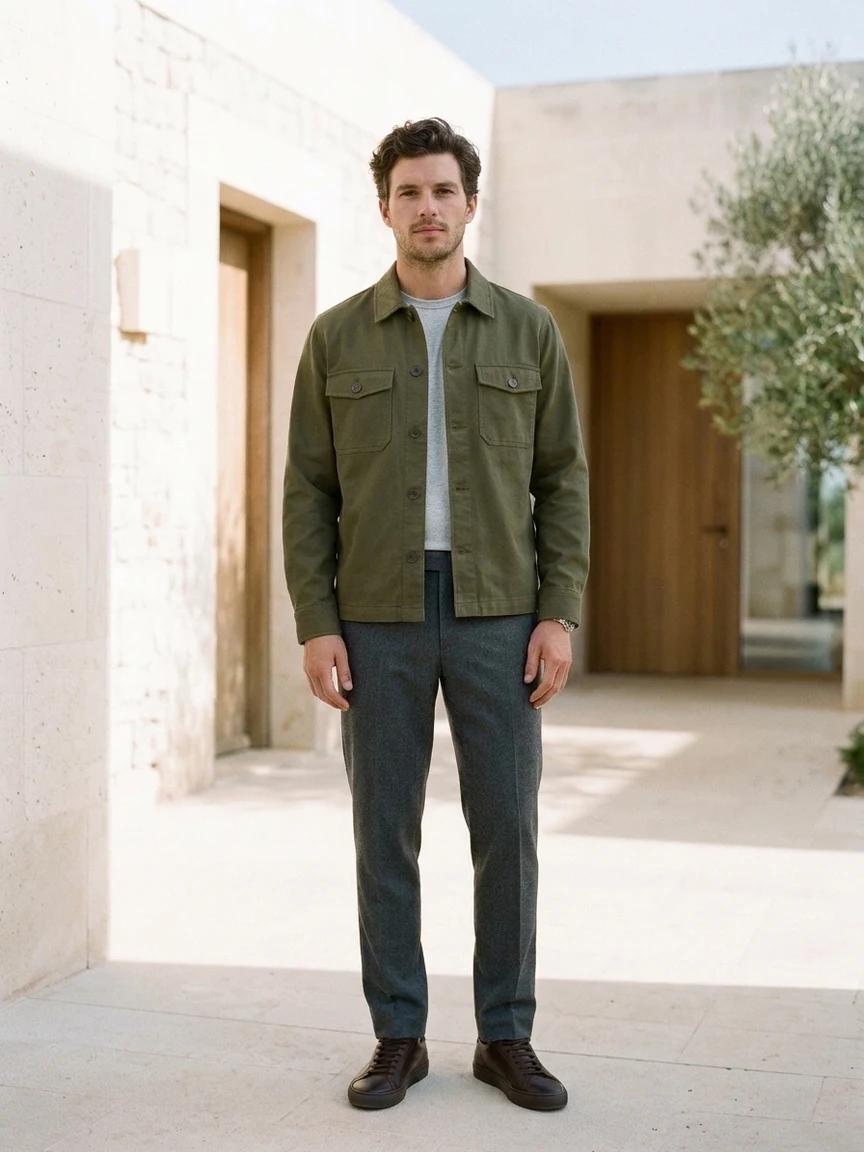
Small adjustments to posture, lighting, and garment framing make the biggest difference to face fidelity and clean clothing edges.
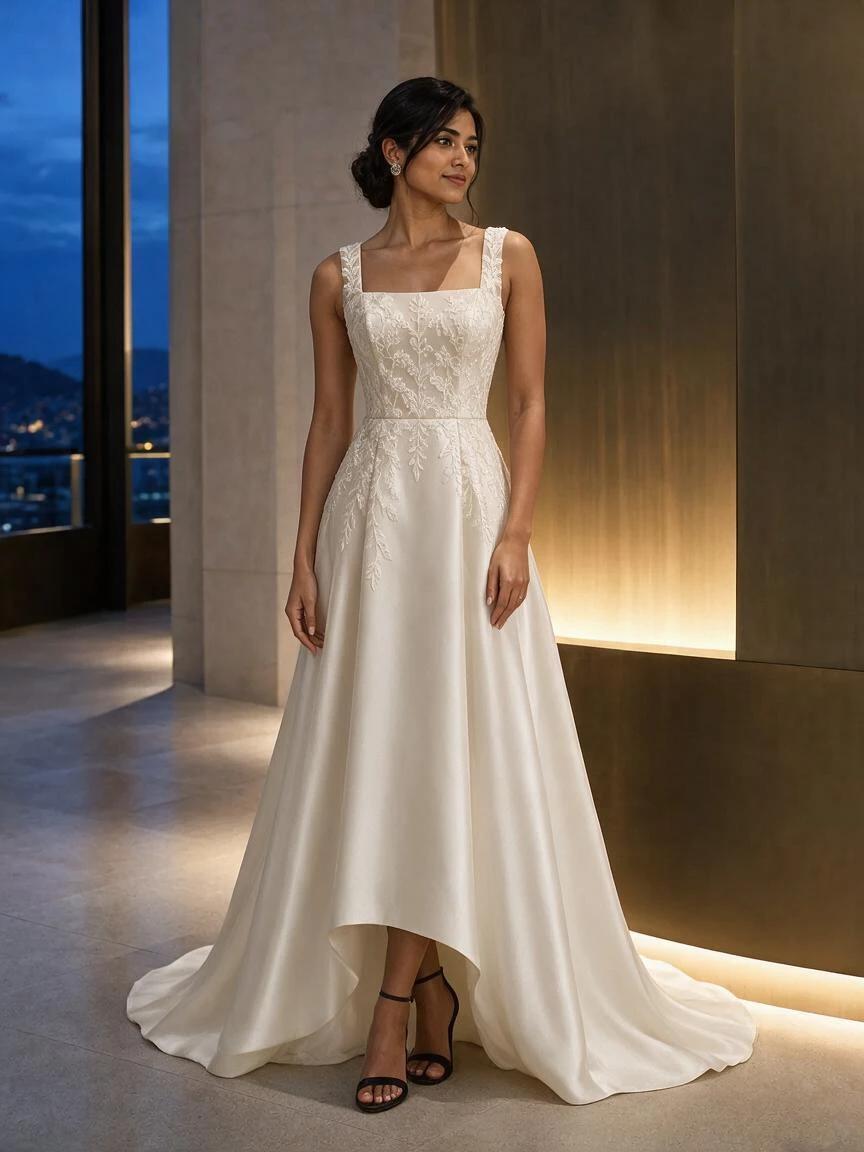
An honest breakdown of what AI previews help you decide before buying, where details can drift, and how to combine previews with real measurements.
Try the workflows
Compare two to four candidate looks on the same locked photo.
Replace one shirt, sweater, or jacket while keeping the scene.
Start directly from a cropped store screenshot or product URL.
Test menswear shirts, overshirts, knitwear, and blazers.
The fitting room is ready
One free standard try-on, no sign-up. Your photos are deleted automatically after seven days.